Whether laser LED or inkjet wins for office copying in 2026
A buyer in 2026 picking between three printing technologies for an office MFP encounters three categories that overlap on speed and price but split sharply on operating cost, paper handling, color quality, and durability. Laser dominates the office copier category. LED occupies a smaller but stable middle ground. Inkjet, after thirty years of being dismissed as a home product, has crept up into the office segment through a few specific manufacturers and use cases. Each has scenarios where it wins.
The decision is not obvious anymore. The right answer in 2018 was always laser. The right answer in 2026 depends on the workload.
What each technology actually does
Laser printing uses the six step electrostatic process. A drum gets charged. A laser exposes the digital image onto the drum surface. Toner powder, electrostatically attracted to the exposed regions, sticks to the drum. The drum transfers toner onto paper. A heated fuser melts the toner into the paper fibers. The drum gets cleaned and the cycle repeats. The full mechanical sequence sits at How a photocopier actually works in six clear steps.
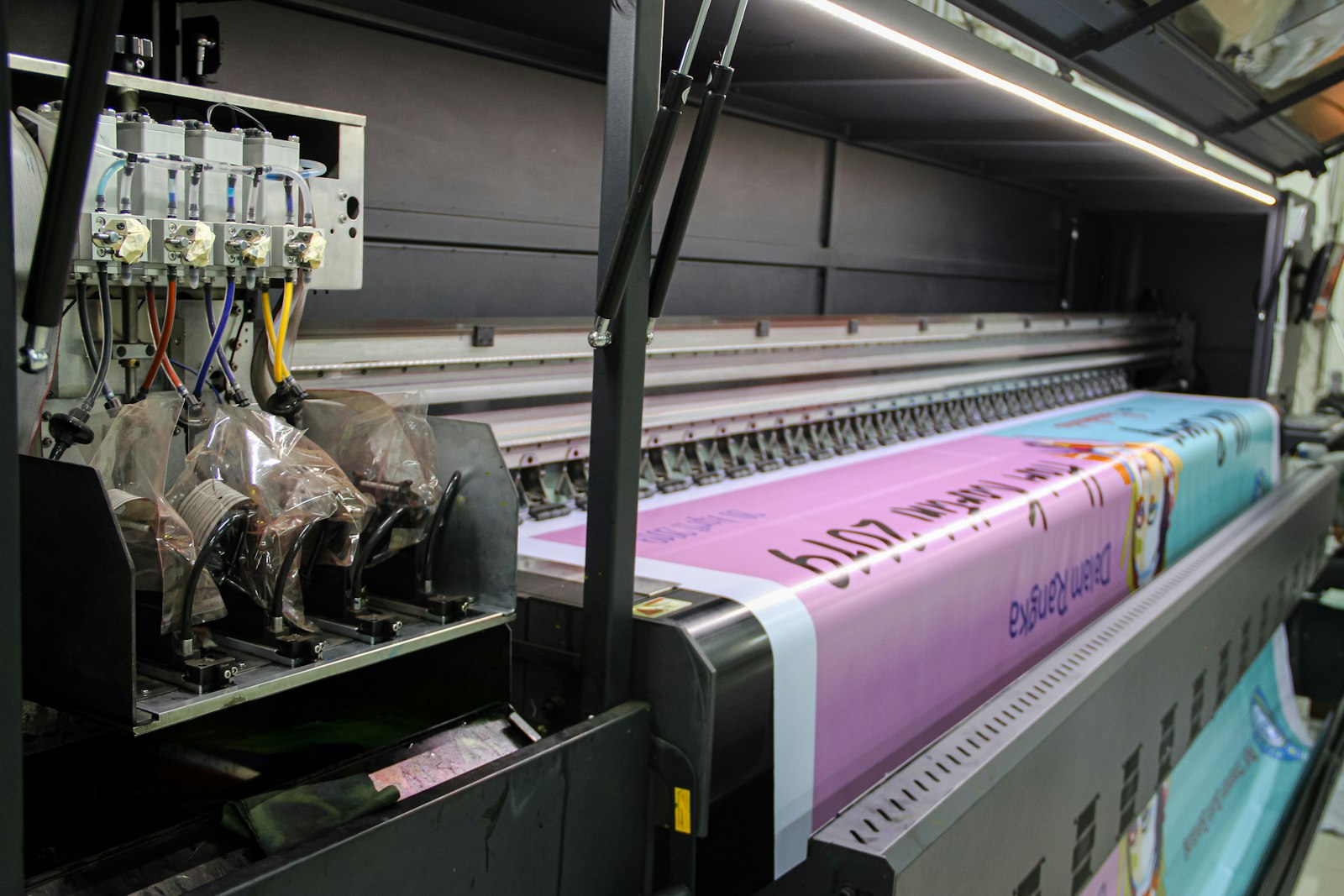 LED printing replaces the laser scanning unit with a fixed array of LEDs. Everything else in the chassis stays the same. The drum still gets charged. Toner still sticks to the exposed regions. The fuser still melts toner into paper. The only mechanical difference is at the exposure stage, where an LED bar replaces the moving laser and polygon mirror combination. From a buyer perspective, an LED machine is a laser machine with one component swapped.
Inkjet printing uses a different process entirely. No drum. No toner. No fuser. Liquid ink fires from microscopic nozzles in a print head onto paper as it passes underneath. The ink dries by absorption into the paper fibers and by evaporation of the carrier solvent. Office grade inkjets like the HP PageWide Pro and Epson WorkForce Enterprise series use stationary print head arrays spanning the full page width, allowing single pass printing at speeds comparable to laser units of similar segment.
The cost per page numbers in 2026
Laser monochrome cost per page on dealer service contracts in Spain runs between 0.004 and 0.007 euros for office class machines. Laser color cost per page runs between 0.04 and 0.07 euros. The numbers cover toner, drum replacement schedule, fuser maintenance, transfer belt replacement, and labor on the service plan.
LED operating costs sit close to laser numbers, typically 5 to 10 percent below on the higher segment OKI lineup because LED arrays are simpler and consume slightly less power. The trade off is that compatible toner availability for LED units is narrower than for the major laser brands, since OKI is the largest LED manufacturer in offices and aftermarket suppliers focus on more popular laser cartridge formats.
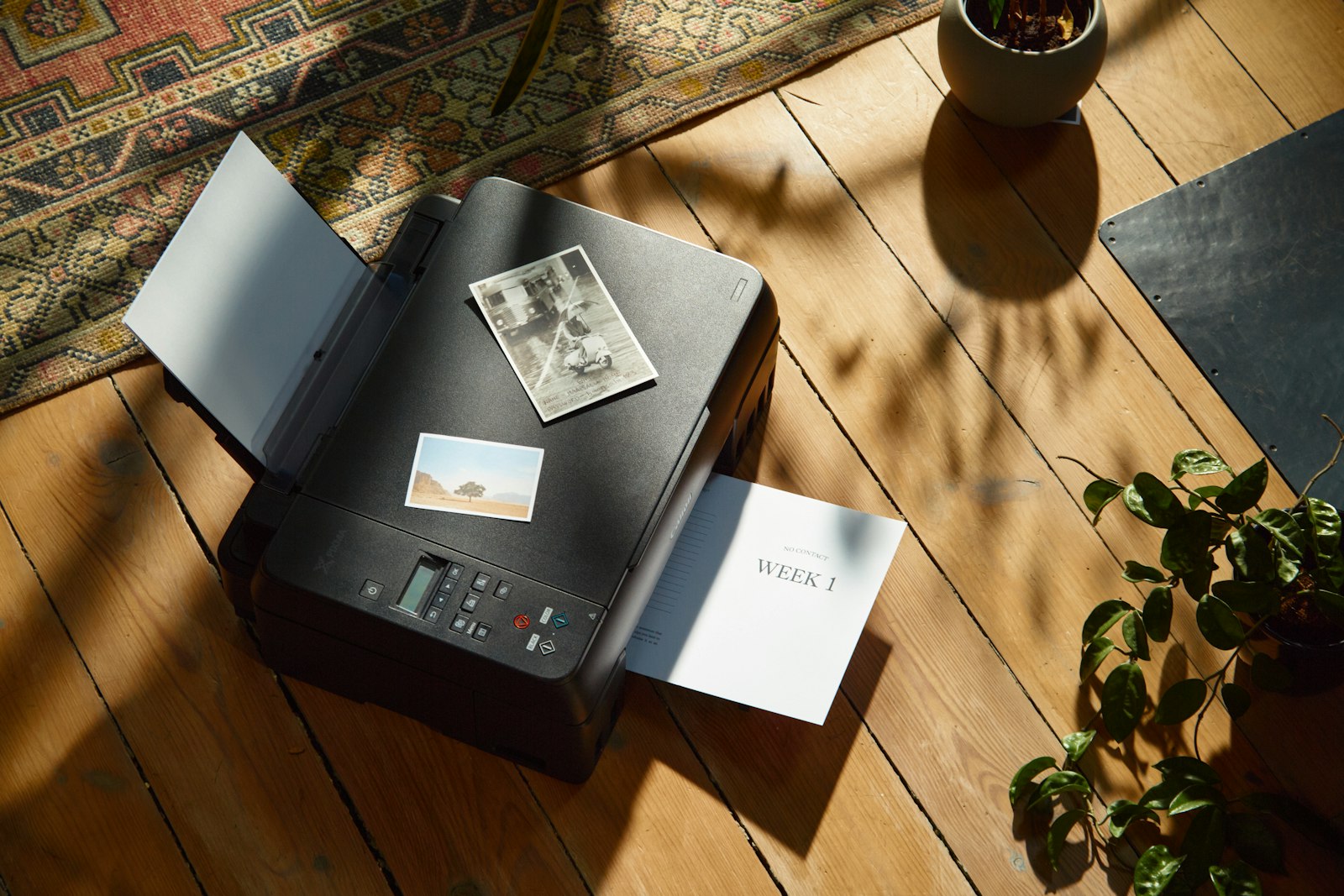 Inkjet operating costs vary widely by model. Consumer grade inkjets running on small cartridges can hit 0.05 euros per monochrome page and 0.15 euros per color page, three to ten times worse than laser equivalents. Office grade inkjets like the HP PageWide Pro 477dw with high yield ink reservoirs hit 0.005 euros monochrome and 0.025 euros color, which is competitive with laser on monochrome and 30 to 50 percent cheaper than laser on color. The Epson WorkForce Enterprise WF-C20750 runs even lower on high volume jobs because of its bulk ink reservoir design that holds 50,000 plus pages of ink in a single fill.
The color cost advantage on office grade inkjets is the strongest argument for the technology in 2026. An office printing 5,000 color pages a month spends roughly 250 euros on color toner under a laser contract. The same volume on an HP PageWide Pro under maintenance contract runs roughly 125 euros. The 125 euro monthly difference compounds to 7,500 euros over 60 months.
The speed and reliability comparison
| Technology | Office speed range | Recommended monthly volume | Warm up time |
|---|---|---|---|
| Laser | 20 to 70 ppm | Up to 80,000 pg/mo | 5 to 20 sec from sleep |
| LED | 22 to 60 ppm | Up to 60,000 pg/mo | 3 to 15 sec from sleep |
| Office Inkjet | 30 to 75 ppm | Up to 100,000 pg/mo | Under 5 sec from sleep |
The headline speeds across the three technologies overlap heavily in 2026. A 35 page per minute laser, a 35 page per minute LED, and a 35 page per minute office inkjet all output the same number of pages per hour at peak. The difference shows up at first page out time, where inkjet wins by 3 to 8 seconds because there is no fuser to warm up.
Reliability differs more than speed. Laser machines accumulate around 200,000 pages of mean time between failures on most office class units. LED machines run similar numbers, sometimes slightly higher because the LED array has fewer moving parts than a laser scanning unit. Office inkjets run around 100,000 to 150,000 pages between failures on first generation models, climbing to 200,000 plus on the latest HP PageWide and Epson WorkForce Enterprise lineups. The reliability gap that existed five years ago has narrowed but not closed entirely.
What inkjet does well that laser does not
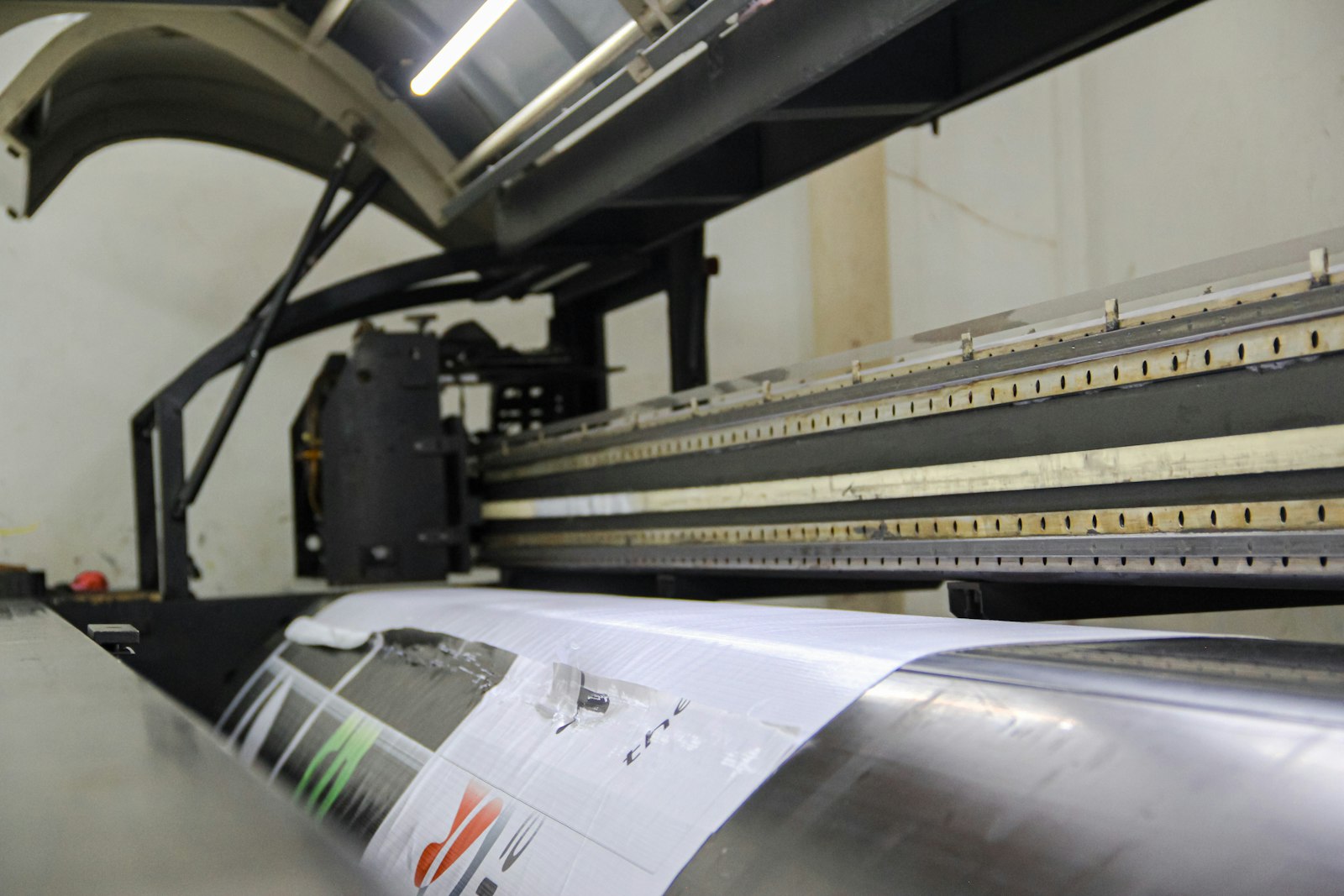 Color quality on coated paper. An office grade inkjet running on coated stock produces photo grade output that approaches what a production class laser machine produces. The reason is that ink absorbs into and combines with the coating in ways that toner cannot. Marketing teams producing customer facing color collateral often prefer inkjet output for brochures, datasheets, and presentation materials.
Lower energy consumption. An office inkjet without a fuser draws about 30 percent less electricity in continuous operation and about 60 percent less in idle. For an office running 8 hours a day with the printer on standby, the annual electricity savings on a busy floor can reach several hundred euros and reduce CO2 attributable to office equipment.
No fuser, no fuser failures. Fuser units are the most common service intervention on heavily used laser machines. Inkjets do not have fusers, which removes the most common failure mode entirely from the chassis. The reliability advantage on heavy duty cycles is meaningful for offices that hit duty cycle ceilings on laser equipment.
Faster cold start. Inkjets reach print ready state in seconds rather than the 30 to 60 second warm up of older laser fusers. For receptionist workflows where occasional one off prints are the dominant use case, the warm up difference compounds across the day.
What laser does well that inkjet does not
Long term storage of printed documents. Laser toner is melted polymer that bonds permanently to paper fibers. The image is waterproof, smudge proof, and lightfast. Inkjet ink, even pigment based ink, is more sensitive to water and to UV exposure. Documents printed for archival storage in legal or government settings still favor laser for this reason.
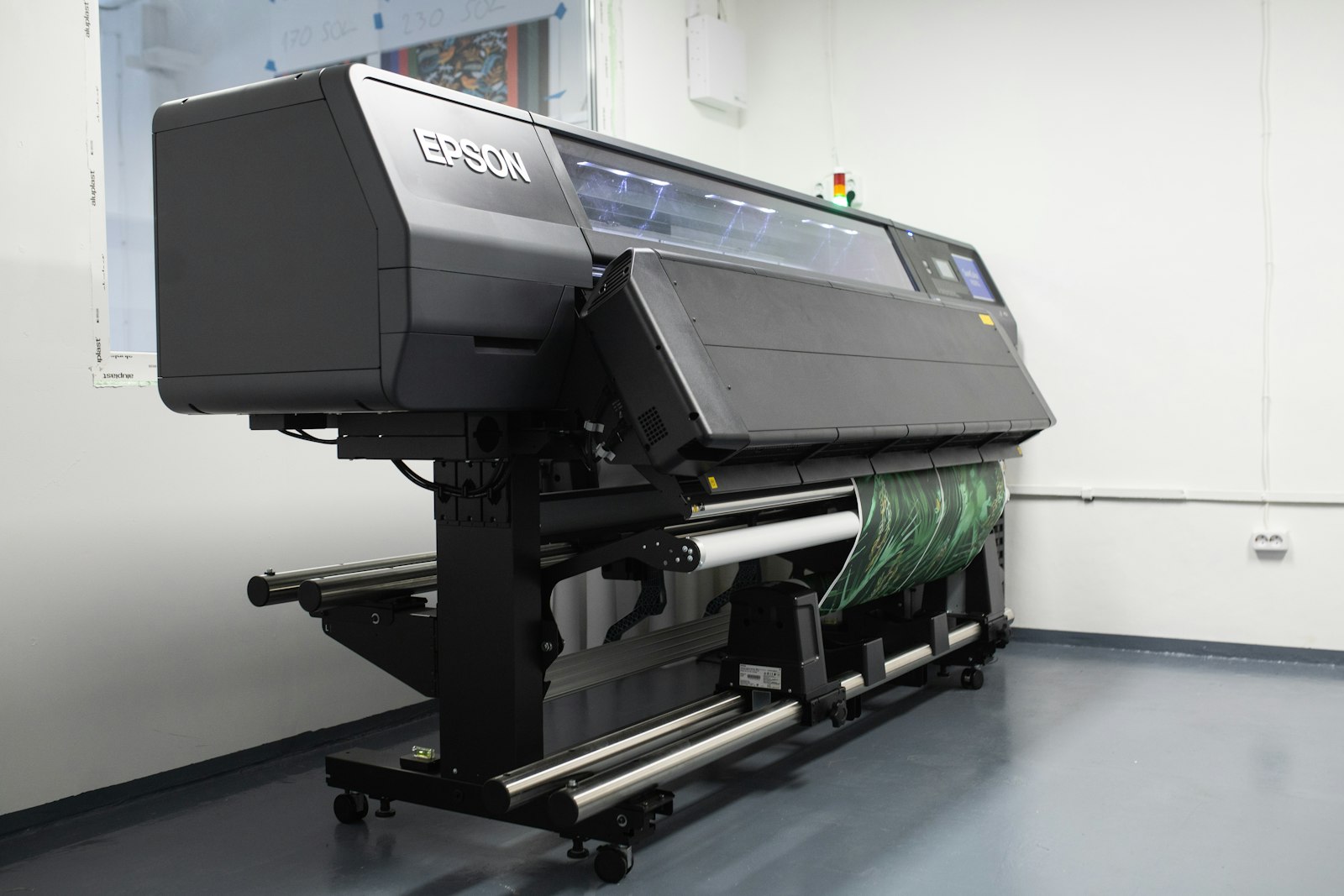 Output that does not run when wet. A laser printed document hit with water spots stays readable. An inkjet printed document hit with water spots runs the ink. For shipping labels, invoices that travel through warehouse environments, and any document that might encounter moisture, laser output handles the conditions better.
Heavier paper stock support. Laser fusers can run paper up to 300 grams per square meter on the highest segment units. Office inkjets generally cap at 250 gsm. Card stock, cover paper, and heavyweight presentation materials run more reliably through laser units.
Idle reliability. A laser printer left unused for two months still prints reliably the moment it powers up. Inkjet print heads can dry out during long idle periods, requiring a maintenance cycle that consumes ink before the first print. Offices that run highly variable print volume, with weeks of low activity followed by bursts, often see inkjet print heads need cleaning routines that waste ink.
What LED contributes
LED occupies a narrower slot than either laser or inkjet. The technology behaves identically to laser from a user perspective. The chassis looks the same. The toner cartridges look the same. The output looks the same. The differences are internal and largely benefit the manufacturer rather than the buyer.
Lower component cost on the exposure unit. An LED array costs less to manufacture than a laser scanning unit and has no moving parts. OKI uses LED across most of its lineup precisely because the cost advantage at the exposure stage compounds across an entire product line.
Slightly tighter dot placement on text. LED arrays place each pixel at a fixed location, while laser scanning depends on polygon mirror timing. The difference rarely shows up in everyday office output but appears on high resolution test patterns. The detailed exposure stage mechanics are at How a photocopier actually works in six clear steps.
Compact form factor on lower segment units. LED machines can be physically smaller than equivalent laser units because the LED array takes less space than a laser scanning unit. The size advantage matters most on Segment 1 desktop machines where every centimeter of footprint counts.
The decision matrix for a typical office
An office printing under 1,000 color pages a month. Laser. The total cost difference between laser and inkjet at low color volume is small, and laser brings the durability advantages.
An office printing 1,000 to 4,000 color pages a month. Either. The cost gap is real but small. Brand preference, dealer support, and existing fleet standardization usually decide.
An office printing more than 4,000 color pages a month, with a heavy color marketing or design output. Office grade inkjet. The HP PageWide Pro and Epson WorkForce Enterprise lineups make the case here. Color quality and operating cost both favor inkjet at higher color volumes.
 An office that needs heavy paper stock, archival output durability, or high reliability under 100 percent duty cycle. Laser, full stop. The trade off is operating cost on color, but the operational benefits at heavy use are still on the laser side. The case for staying single function laser instead of an MFP entirely in some scenarios sits at When a single function printer makes more sense than a multifunction one.
An office that wants the smallest possible footprint at a desktop slot. LED. OKI desktop units in the Segment 1 band are physically smaller than comparable laser units and produce equivalent output for typical office workloads.
Where the segment system maps to technology choice
Segments 1 and 2 cover smaller offices, and the technology choice tends to follow personal preference and dealer availability more than rigorous cost analysis. Inkjet does well in this band because the upfront price gap to laser is small and the color cost advantage compounds at typical small office volumes. The dealer segment classification covers all of these scenarios at What the industry copier segments from one through six actually mean for you.
Segments 3 and 4 are the central office market. Laser dominates here because the workloads are large enough that durability and reliability matter, and the dealer service ecosystem around laser equipment is more developed than inkjet equivalents. Inkjet office grade units exist at this segment but represent maybe 10 to 15 percent of new installations in 2026.
Segment 5 and the production class boundary. Laser holds nearly the entire market here. Production class inkjet exists, particularly in the form of HP Indigo digital presses and high speed continuous feed inkjet for commercial print, but those are not office class equipment. The line between office class and production class equipment is unpacked at How to tell whether you need an office class copier or a production class one.
Three technologies. Laser still covers most of the office market. LED holds steady at the smaller end. Inkjet has earned a real seat at the table for high color volume offices and for any office that prioritizes color quality on coated stock. The honest answer to which one wins depends on what the office prints, how often, and on what paper.