How to plan a multi site copier rollout across a retail chain
A staged deployment blueprint covering site audit, standardisation, central procurement, store-by-store rollout, and ongoing fleet management for retail chains operating 10 to 200 locations.
A Spanish fashion retailer with 47 store locations across the country runs print and back-office equipment that arrived piecemeal over twelve years of expansion. Some stores have desktop printers from 2018, others have small MFPs from 2014, one flagship has a production-class device specified for a previous photo studio operation that never materialised. Consumables, service contracts, and support models vary by store. The IT director's annual review identified €58,000 in avoidable cost across the fleet — and that is before accounting for store-manager hours spent fighting unfamiliar equipment.
Multi-site retail copier rollout is rarely about new equipment. It is about replacing accumulated heterogeneity with a managed fleet sized to operational reality, with central procurement, standardised configuration, and a single accountable service provider. This guide describes the planning approach Spanish retail chains use when they finally commit to that consolidation.
Why retail rollouts differ from other multi-site procurement
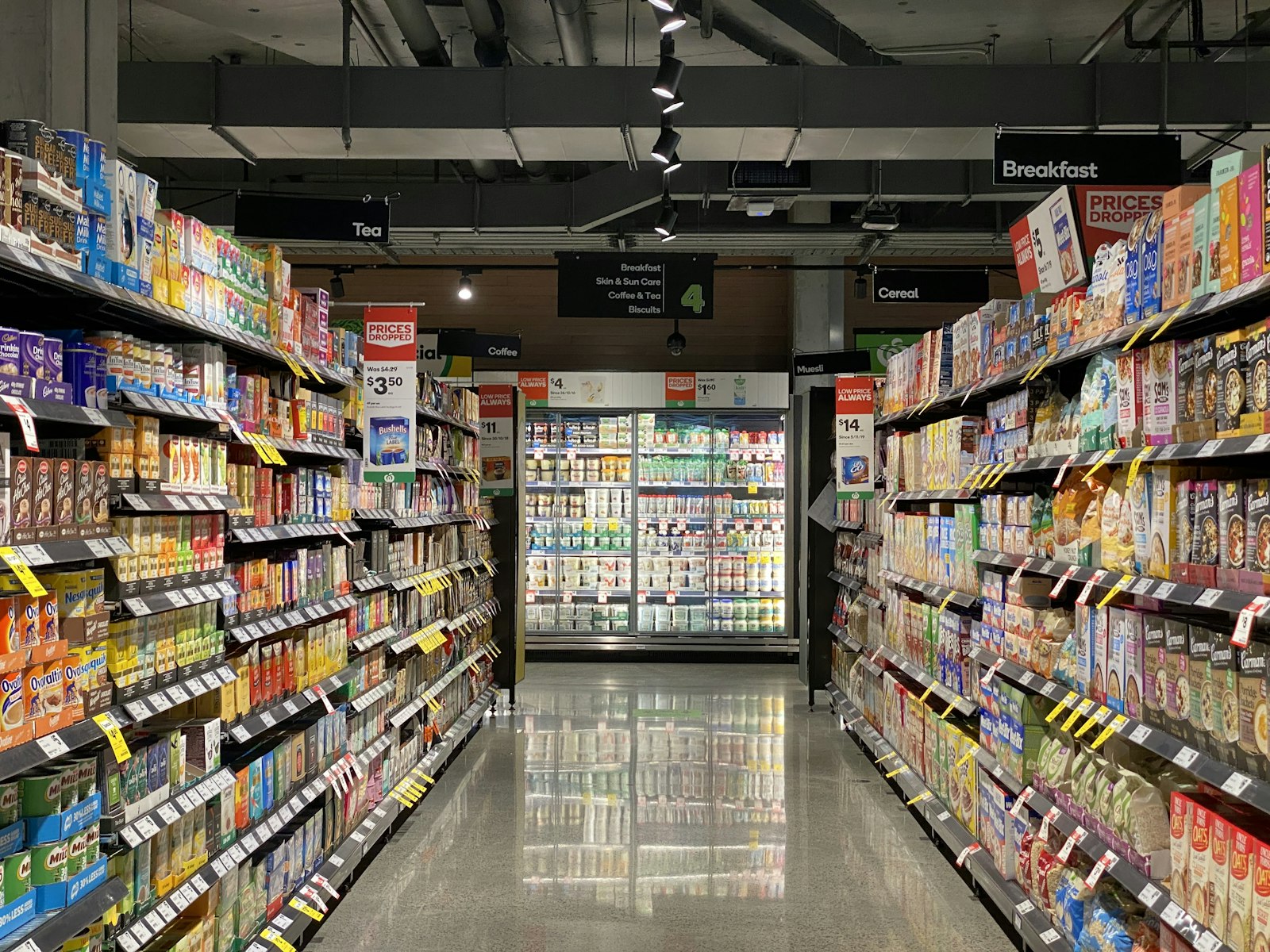
Three characteristics distinguish retail rollouts. First, store sizes vary enormously: a flagship in Barcelona's Paseo de Gracia has different volume needs than a roadside outlet in a regional town. Second, store opening hours create installation windows that are short and non-negotiable: equipment must arrive before opening and any disruption to opening costs sales. Third, the user community is non-technical and rotates frequently: cashiers and assistant managers will operate the equipment without IT support and will be replaced regularly through staff turnover.
These three factors shape the rollout strategy: standardise relentlessly so any device works like any other, schedule installation in tight windows often overnight, and configure equipment to "just work" for users who never trained on it.
The six-phase rollout plan
Site audit and tiering
Visit (or remotely survey via store manager) every site to inventory current equipment, measure actual print and copy volume, identify physical placement constraints, and document network capability.
Standardisation specification
Define two or three standard device specifications corresponding to store tiers. Each spec includes device model, accessories, paper capacity, consumables, and configuration.
Central procurement
Tender the consolidated requirement across vendors. Centralised purchasing leverages volume for pricing well below per-store negotiation. Include service contract and managed print service in the scope.
Pilot deployment
Deploy to three to five pilot stores covering each tier and geographic region. Run the new equipment alongside legacy for two to four weeks, capturing learnings on configuration, training, and support.
Phased rollout
Roll out to remaining stores in batches of 5 to 15 per week. Sequence by geographic region (minimise technician travel), store priority (flagships first, secondary later), and seasonal factors (avoid peak retail periods).
Fleet management transition
Hand over operational fleet management to the MPS provider. Set up the monthly reporting cadence, define escalation paths, and integrate with the chain's IT support model.
The three standard store tiers
Most retail chains can collapse the fleet into three tiers based on volume and operational complexity.
| Tier | Store type | Volume profile | Standard device |
|---|---|---|---|
| Tier A | Flagship & high traffic | 1500-4000 pages/month, color regular | A3 color MFP 35 ppm with finishing |
| Tier B | Standard store | 500-1500 pages/month, mostly mono | A4 color MFP 30 ppm compact |
| Tier C | Small format & outlet | 100-500 pages/month, occasional color | A4 color desktop printer 25 ppm |
| Tier D | Office back-of-house only | 50-200 pages/month, basic | A4 mono single function 24 ppm |
Resist the urge to create more than four tiers. Each additional tier multiplies inventory, training material, configuration variants, and support complexity. Spanish chains that started with eight tiers have all rationalised to three or four within the first rollout.
The standardised configuration package
What every device ships with
Identical firmware version, identical network configuration template (DHCP with hostname matching store code), identical print queue setup on the chain's central server, identical scan workflows (scan to email, scan to head office, scan to local manager), identical login authentication, identical accessory complement.
What gets configured per site
Static IP address from the chain's IPAM, hostname derived from store code, address book pre-populated with that store's local contacts, default scan destination set to the store manager's email, finishing options configured for the local stationery stock.
The standardisation pays back continuously. A new staff member transferred between stores finds the device behaves identically to the one they used last week. A field service technician arrives knowing exactly what they will find. The MPS provider's monitoring sees consistent telemetry across the fleet.
Rollout sequencing strategies
Three sequencing approaches dominate, each with trade-offs. Geographic sequencing groups stores by region and rolls out region-by-region. Lowest travel cost and easiest service coordination, but high-priority stores in late regions wait months for new equipment. Priority sequencing rolls out flagships and high-volume stores first, then secondary, then tertiary. Best operational impact but highest travel cost. Operational risk sequencing rolls out stores with the worst current equipment first regardless of priority or region. Best risk reduction but mixed operational impact and travel pattern.
The most common approach blends all three: prioritise flagships within the first geographic region, then complete that region, then move to the next. This delivers both operational improvement and travel efficiency.
Installation visit specifics
The installation team needs a documented playbook covering: arrival window (typically 06:00 to 09:30 before store opening), removal of legacy equipment with logged serial numbers for asset retirement, physical installation with mounting and cable routing per spec, network connection and configuration validation, user-acceptance test with a designated store contact, brief staff training (5 to 10 minutes for the standard workflows), and signed handover document.
Total install time per site for a Tier B store with one device is typically 90 to 120 minutes when the playbook is followed and the site preparation has been done. Two-device sites or Tier A flagships extend to 3 to 4 hours.
Training and documentation that scales
Centralised training materials reduce per-store training burden. Produce: a one-page quick reference for each common task (copy, scan to email, secure release print), a 90-second training video per task hosted on the chain's intranet, and a single help line number that routes to the MPS provider's first-line support. The first-line support team trains on the standard configuration and resolves 80 percent of issues without on-site visit.
Common rollout pitfalls
Three pitfalls account for most retail rollout failures. Underestimating site preparation: stores without network capacity, without adequate power circuits, or without physical space cannot accept the standard device, and the rollout stalls while local remediation happens. Skipping the pilot: rolling straight to all sites without pilot learning means configuration errors propagate across the entire fleet before discovery. Inadequate change management: store managers who feel imposed-upon rather than included resist the new equipment and create informal workarounds that undermine the standardisation.
The mitigation for each: a thorough audit early to identify site preparation needs and address them in advance; a real pilot of 3 to 5 stores with formal review; and inclusion of regional managers and operations leadership in specification design so the rollout feels collaborative rather than imposed.
Ongoing fleet management post-rollout
Post-rollout, the chain needs a single dashboard view of the fleet: device status, consumables levels, volume trends, service incident frequency, and cost per page actual versus contracted. The MPS provider supplies this dashboard as part of the contract; the chain's IT operations team reviews it monthly and addresses outliers (a store running double normal volume, a device with unusual fault frequency) directly with the provider.
Refresh planning starts at the 36-month mark of the contract: identify devices reaching end-of-economic-life, plan replacements for the next contract period, and refresh the standard specifications based on what has been learned during the current contract period. The rollout playbook captured during the initial deployment becomes the refresh playbook.