How a photocopier actually works in six clear steps
A sheet of paper goes in. A duplicate comes out the other side dry to the touch. Most office workers have run thousands of pages through the chassis without ever knowing what happens between the platen and the output tray. The process is six steps long, runs in roughly 350 milliseconds per page on a 60 page per minute machine, and uses a piece of physics that Chester Carlson worked out in 1938 in a kitchen in Astoria, Queens.
Six stations along a paper path. Each one runs a specific operation. Skipping or failing any one of them produces a blank, blurry, or smeared page.
The starting condition before any sheet has moved
Inside the chassis, three components matter for what happens next. A photoreceptor drum, usually 30 to 60 millimeters in diameter, coated with an organic photoconductor on its outer surface. A toner supply, typically held in a hopper or cartridge sitting against the drum. A laser scanning unit pointed at the drum from a few centimeters away. The drum sits dark and uncharged at idle. The toner supply has been mixed with carrier beads and brought to a stable triboelectric charge state. The fuser at the back end of the path has warmed up to its operating temperature.
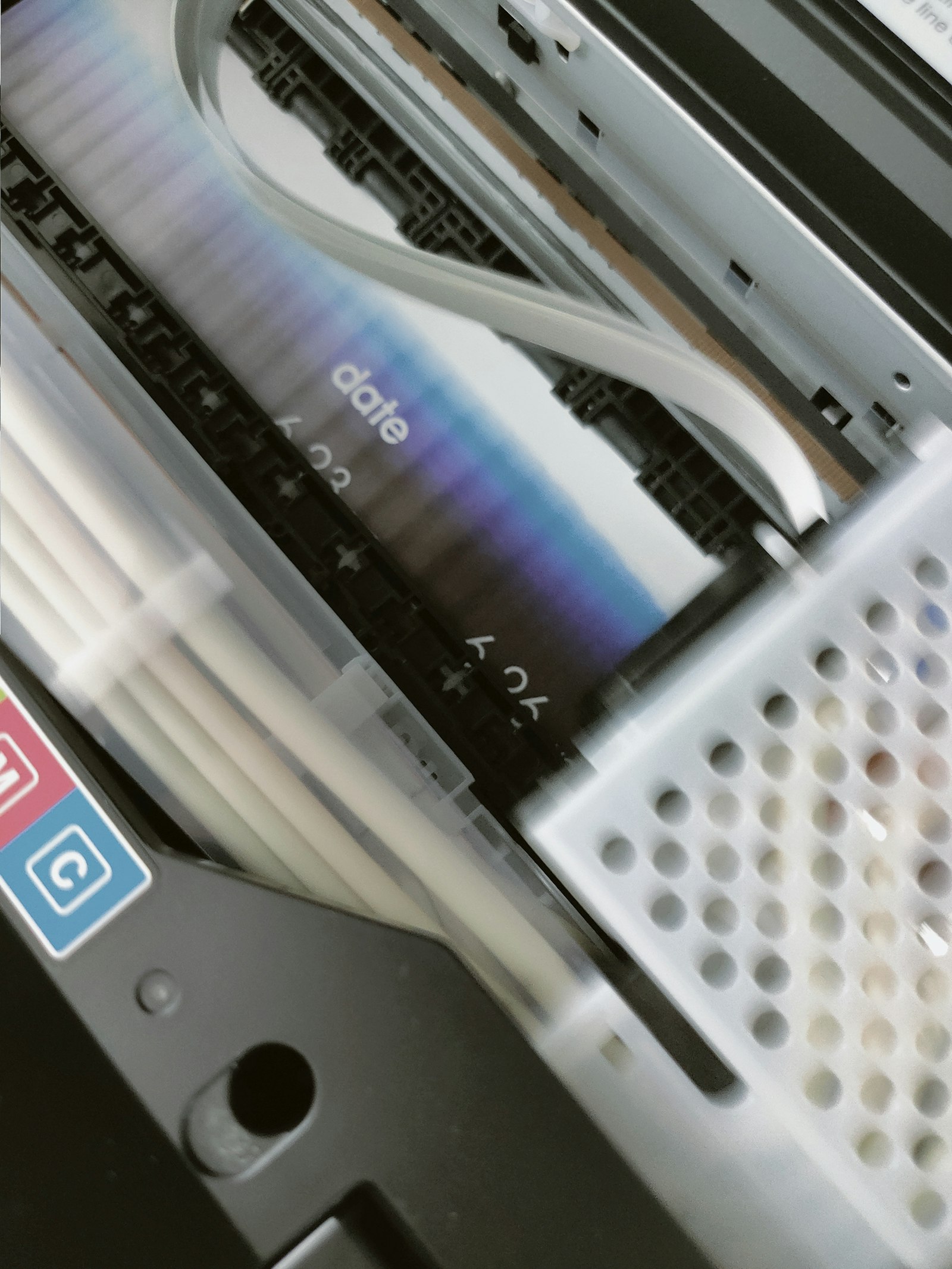 The original document either sits on the glass platen or is moving through the automatic document feeder over the scan head. The scanner CCD has read the page into the controller as a digital raster. A print job arriving from the network reaches the same point through a different door, having been parsed from PCL or PostScript into a raster format. Either way, by the time step one begins, a digital image of the page is queued up inside the controller, ready to be exposed onto the drum. The two paragraph definition of what an MFP is and what runs through this pipeline is at The simplest possible explanation of what a multifunction printer does.
Step one. Charging
The drum surface needs to be uniformly charged before any image can be written to it. Two methods exist. The older approach is a corona wire stretched parallel to the drum, energized to between minus 5,000 and minus 7,000 volts. As the drum rotates past the wire, electrons accelerated by the electric field deposit on the photoconductor surface, leaving the drum at a uniform negative charge of around minus 600 to minus 800 volts.
The newer approach is a charge roller pressed lightly against the drum. The roller carries the same minus 600 to minus 800 volt potential and transfers the charge directly to the drum surface. Charge rollers replaced corona wires on most office MFPs over the 2000s because they produce less ozone and require less maintenance. The corona wire approach survives mostly on production class equipment where uniform charge across very wide drums is harder to achieve with a roller.
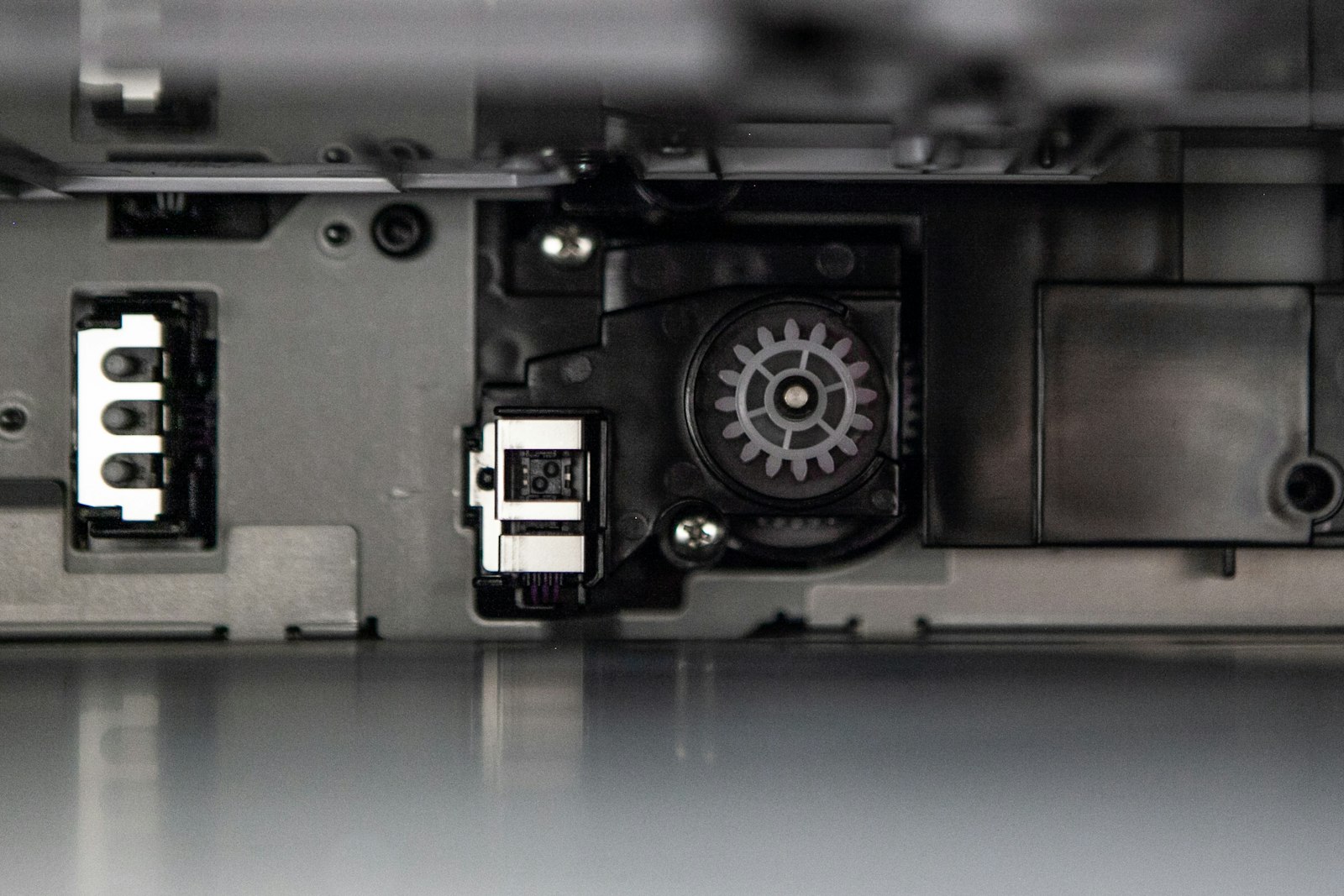 The drum after step one is a uniformly charged surface, electrically primed but carrying no image yet. Inside the chassis, the temperature near the drum stays under 50 degrees Celsius even at full operation. Above that the photoconductor coating starts to lose efficiency. Cooling fans run continuously during print and copy operations to keep the temperature within range.
Step two. Exposure
The laser scanning unit fires the digital image onto the rotating drum. The unit consists of a laser diode, a rotating polygonal mirror with six or eight facets, and a series of focusing lenses. The laser fires in pulses synchronized to the polygon mirror rotation. Each rotation of the polygon paints one horizontal line across the drum. The drum rotates synchronously to advance the image down the page.
Wherever the laser strikes the drum, the photoconductor surface conducts. Charge flows from that point on the surface to ground through the conductive substrate underneath. The result is that the drum surface becomes a charge map. Areas exposed to the laser drop to roughly minus 100 volts. Areas not exposed stay near minus 700 volts. The latent electrostatic image is invisible to the eye but exists as a voltage pattern across the drum.
LED arrays have replaced laser scanning units on some manufacturers' lower segment lines. An LED head fires fixed columns of LEDs corresponding to each pixel position across the drum width. No moving polygon mirror required. The trade off is that LED units cost more in component count and have less precise dot placement at high resolution. OKI uses LED on much of its lineup. Brother and HP keep laser on most office class models.
Step three. Development
Toner needs to stick to the latent image on the drum. The mechanism is electrostatic. Toner particles, mixed with magnetic carrier beads in a development unit, carry a triboelectric charge of opposite polarity to the drum's exposed regions. The development roller, a magnet wrapped in a sleeve, rotates close to the drum and presents a thin brush of toner across its surface. Where the drum is exposed and at low charge, toner jumps from the development roller to the drum and sticks. Where the drum is unexposed and at full charge, toner stays on the roller because like charges repel.
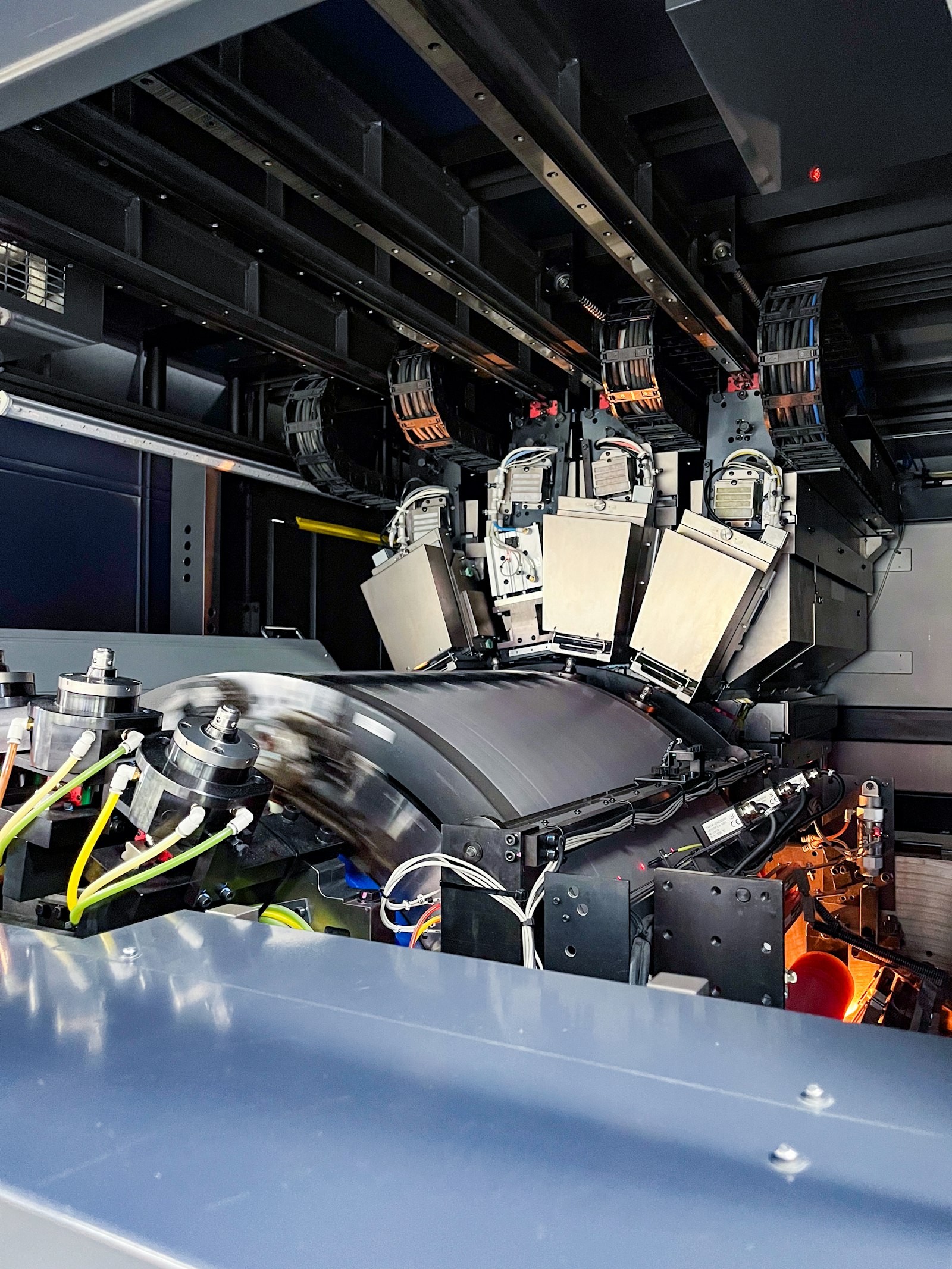 The toner powder itself is a polymer particle, typically polyester or styrene acrylate, with a pigment loading and a charge control agent. Particle sizes range from 5 to 8 micrometers in modern toners, down from 10 to 14 micrometers in equipment built before 2005. Smaller particles produce sharper edges and more uniform half tones. Toner formulation chemistry is one of the higher margin areas of the MFP supply business and the reason OEM toner cartridges cost three to ten times what bulk polymer powder of the same weight would cost on the open market.
After step three, the latent electrostatic image on the drum has been developed into a visible toner image, still sitting on the drum surface. The toner image is fragile at this stage. Touching it would smear the powder. Step four moves it onto paper before that becomes a problem.
Step four. Transfer
Paper enters the chassis from a tray and runs along a feed path that brings it under the drum at the right moment. A transfer roller behind the paper carries a positive voltage of around plus 1,000 to plus 1,500 volts. The drum's negatively charged toner is electrostatically pulled off the drum and onto the paper as the paper passes through the nip between the drum and the transfer roller. The transfer is mostly efficient. Around 90 to 95 percent of the toner on the drum ends up on the paper. The remaining 5 to 10 percent is wiped off in step six.
Color machines complicate this stage. Each of the four color stations (cyan, magenta, yellow, black) deposits its toner on a transfer belt rather than directly on the paper. The four colors layer onto the belt as the belt rotates past each station. After all four colors are on the belt, a second transfer roller moves the combined CMYK image onto the paper in a single pass. This indirect transfer through a belt is what allows color machines to register the four colors precisely on top of each other. The line between office class machines and production class equipment, where transfer belt design becomes a more sensitive issue, is unpacked at How to tell whether you need an office class copier or a production class one.
Step five. Fusing
Toner sitting on paper at this point is just powder. Vibrating the paper would shake it off. The fuser unit, the last stop before the output tray, melts the toner into the paper fibers permanently. The fuser is a pair of rollers running at temperatures between 175 and 195 degrees Celsius and a contact pressure of several hundred kilograms across their length. Paper passes through the nip in 10 to 30 milliseconds. The toner polymer melts on contact, flows into the paper fiber surface, and resolidifies as the paper exits the fuser hot.
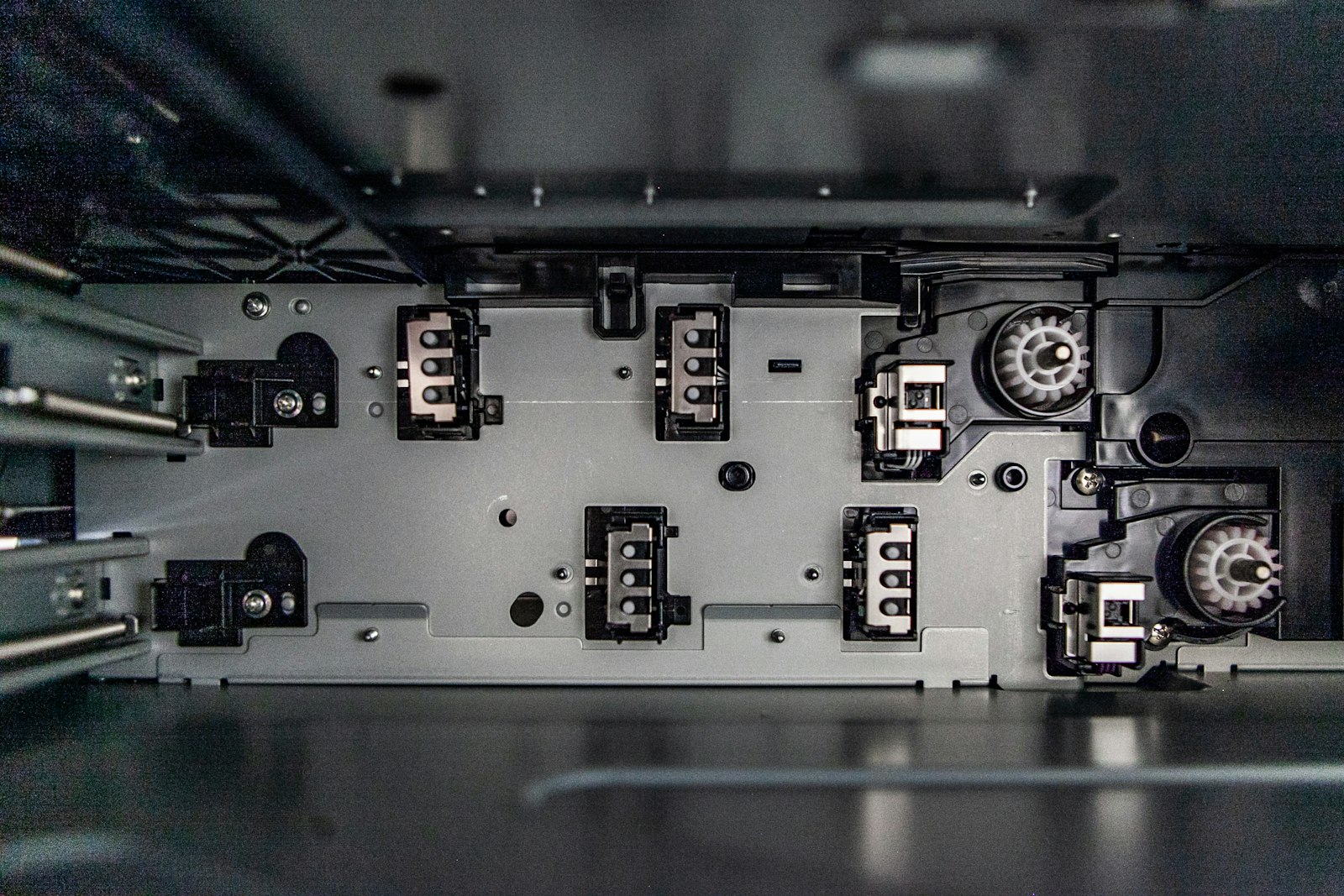 The fuser is the highest power consumer in the chassis. Heating elements pull 800 to 1,500 watts during warm up and continuous operation. The fuser is also the most common failure point on heavily used machines. Heating element burnouts. Pressure roller wear flattening the contact line. Pickup or feed rollers wearing into smooth states that no longer grip paper. Most maintenance kits sold by manufacturers center around fuser components precisely because the fuser is engineered to wear out at predictable intervals.
The fuser also defines paper handling limits. Paper above 250 grams per square meter often jams or smears in standard office fusers because the toner cools before it fully bonds. Plastic transparency sheets, certain coated stocks, and labels with adhesive backing all carry temperature constraints that limit them to specific paper paths or specific fuser modes. Production class machines run multiple fuser modes selectable from the control panel, allowing different temperatures for different paper stocks. The historical context for why fuser temperatures matter and the Xerox 914 fire safety legend that came with them is at A short walk through the history of the photocopier from Carlson to today.
Step six. Cleaning
The drum at the end of step four still carries 5 to 10 percent of its toner image. Before the next page can be printed, the drum needs to be wiped clean. A cleaning blade made of polyurethane or rubber sits against the drum, scraping the residual toner off as the drum rotates past. The scraped toner falls into a waste toner bottle attached to the drum cartridge or sits in the unit's hopper for later transport.
The drum also needs to have its residual electrical charge erased before re-charging in step one of the next cycle. An erase lamp, a row of LEDs pointed at the drum surface, exposes the entire drum width and resets the photoconductor to neutral. With the drum cleaned mechanically and reset electrically, the cycle returns to step one for the next page.
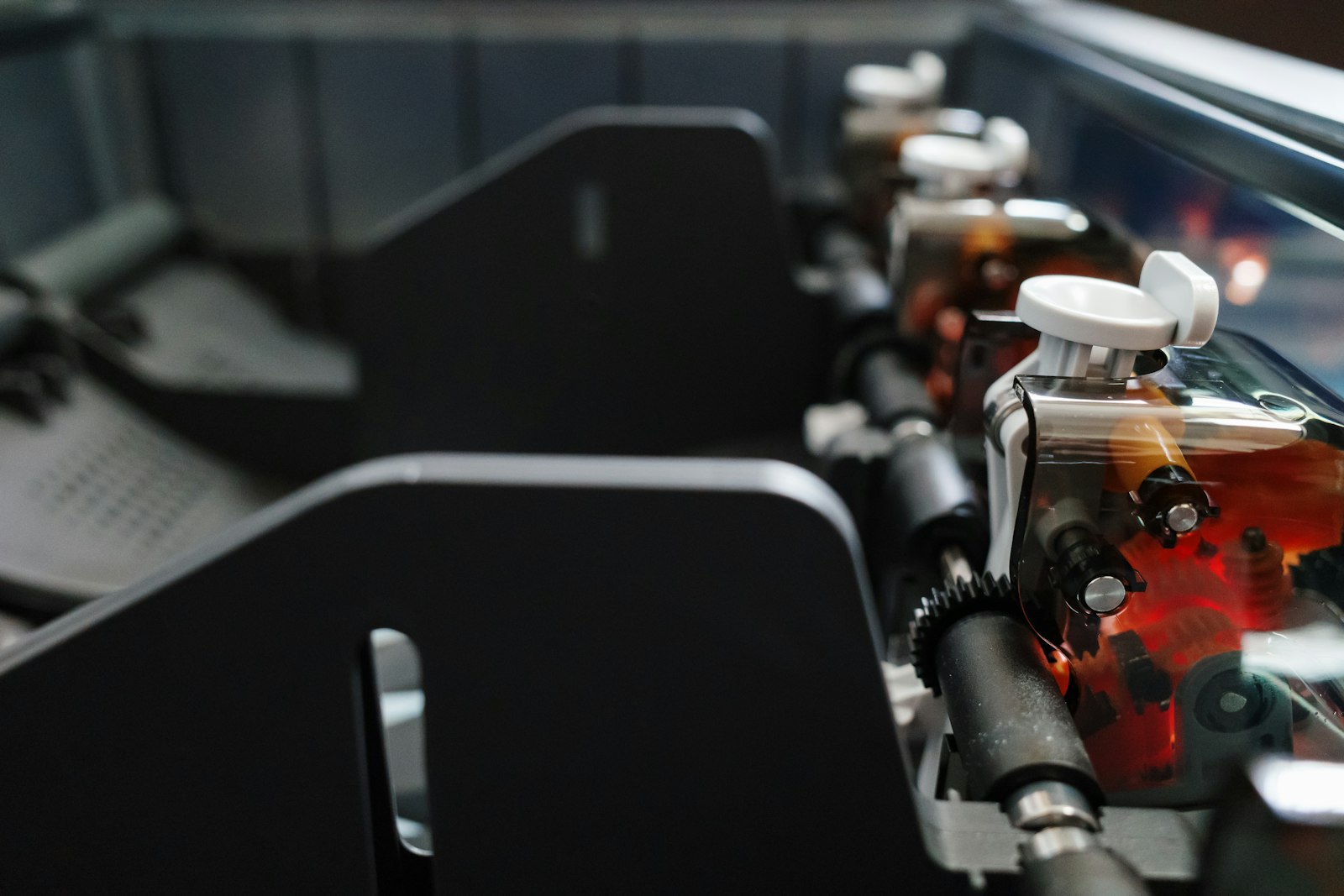 The waste toner bottle fills over time. Most office MFPs hold 50 to 200 grams of waste toner before requiring service. The bottle replacement is a routine maintenance operation, sometimes user replaceable, sometimes service technician only depending on machine design. Ignoring a full waste bottle results in toner backflow into the drum unit and quality problems on subsequent prints. The everyday distinction between routine consumables and service parts is one piece of the broader question of what an MFP carries that a desktop printer does not, covered at How a photocopier differs from a printer an MFP and a copier in everyday office life.
Why the six step framing matters for buying
The six step process is identical across Canon, Ricoh, Xerox, Kyocera, Konica Minolta, Sharp, HP, Brother, Toshiba, and Lexmark. The differences between brands sit in the engineering choices made at each step. Charge roller versus corona wire. Laser versus LED at the exposure stage. Direct transfer versus belt transfer. Fuser temperature ranges and pressure design. Cleaning blade material and wear life. Toner formulation chemistry.
Buyers comparing two MFPs at the same speed class often see similar specs on the brochure but encounter different reliability over five years of operation. The reliability gap usually traces back to engineering choices in the six steps that the brochure does not list. Kyocera built its reputation on long life drum design that uses a different photoconductor coating with extended wear characteristics. Canon spent decades refining transfer belt geometry for color registration. Ricoh's polymerized toner formulations track with finer half tone reproduction. Xerox's emulsion aggregation toner technology is the basis of its production class color quality.
None of those engineering distinctions are visible without looking inside the machine, and none of them appear on the spec sheet. The closest proxy a buyer has for differentiating one machine from another at the same speed band is the dealer segment classification, which captures price, durability, and feature expectations more reliably than the spec sheet alone. The full segment one through six mapping is at What the industry copier segments from one through six actually mean for you.
Charge. Expose. Develop. Transfer. Fuse. Clean. The same sequence on every laser MFP and every desktop laser printer sold in 2026. Eighty eight years of engineering refinements have made each step faster and more reliable, but the underlying physics has stayed exactly where Carlson left it.