A photocopier guide for healthcare practices that need HIPAA grade controls
A 12 doctor general medical practice in Madrid running shared electronic health records. A 6 physician dental clinic in Barcelona handling patient consent forms and treatment plans. A 35 staff specialist clinic in Sevilla integrating with the Andalusian regional health system. Healthcare practices in Spain operate under both LOPDGDD (the Spanish data protection law) and the EU GDPR, with patient data treated as special category personal data under Article 9. The MFP that handles patient documents has to be configured to match those obligations or the practice carries audit risk.
Healthcare copier setup is less about hardware features and more about disciplined configuration. Almost any modern Segment 3 MFP can be HIPAA grade. Almost none ship that way out of the box.
What HIPAA grade actually means in a Spanish context
HIPAA is a US law that does not apply directly to Spanish healthcare practices. The equivalent regulatory framework in Spain combines LOPDGDD, the Esquema Nacional de Seguridad (national security framework), and sector specific guidance from each autonomous community's health authority. Spanish healthcare practices use HIPAA grade as shorthand for the corresponding controls under Spanish and EU law, since the technical requirements line up closely.
 Patient data is special category data under GDPR Article 9, with stricter handling requirements than ordinary personal data. Documents containing patient information cannot sit unattended in MFP output trays. Scan jobs containing patient records cannot route to email destinations unencrypted in transit. Decommissioning a chassis without wiping the hard drive carries audit findings. The full picture connects to the broader compliance discussion at RGPD compliance for office equipment.
The five mandatory configurations
Five configuration items move a standard MFP from generic office device to healthcare appropriate equipment. Each one exists as a feature on every modern Segment 3 chassis, but each one requires explicit activation and ongoing management.
Hard drive encryption set to AES 256. Most chassis ship with encryption available but disabled. Activating encryption usually takes 5 minutes through the admin panel. The drive contents become unreadable to anyone who removes the drive without the chassis controller. The setting persists across firmware updates and chassis reboots.
Pull printing with PIN or card based release. Print jobs hold at the chassis until the user authenticates at the panel. No patient document ever sits in an output tray waiting for someone to walk over. The implementation requires either built in PIN release (free on most chassis) or print management software like PaperCut MF for card release (around 40 euros monthly per chassis).
TLS encryption for all scan to email and scan to folder traffic. SMTP over TLS for email destinations. SMB over signed channels for Windows folders. Both settings ship as available but not always default active. Configuring them takes 10 minutes and prevents patient data flowing across the network in plain text.
Automatic data overwrite of deleted print and scan jobs. The chassis writes random data over the freed disk space immediately rather than leaving it recoverable until overwritten by future jobs. Activating this slightly slows performance but eliminates the forensic recoverability of recently processed jobs.
Audit logging of every print, copy, and scan event with user attribution. The log captures who printed what when, retained for the period required by Spanish health data regulations (typically 5 years for clinical documents). Print management software with audit logging enabled produces this automatically. The detailed read on what data the chassis touches is at data on the chassis.
Volume profile for healthcare practices
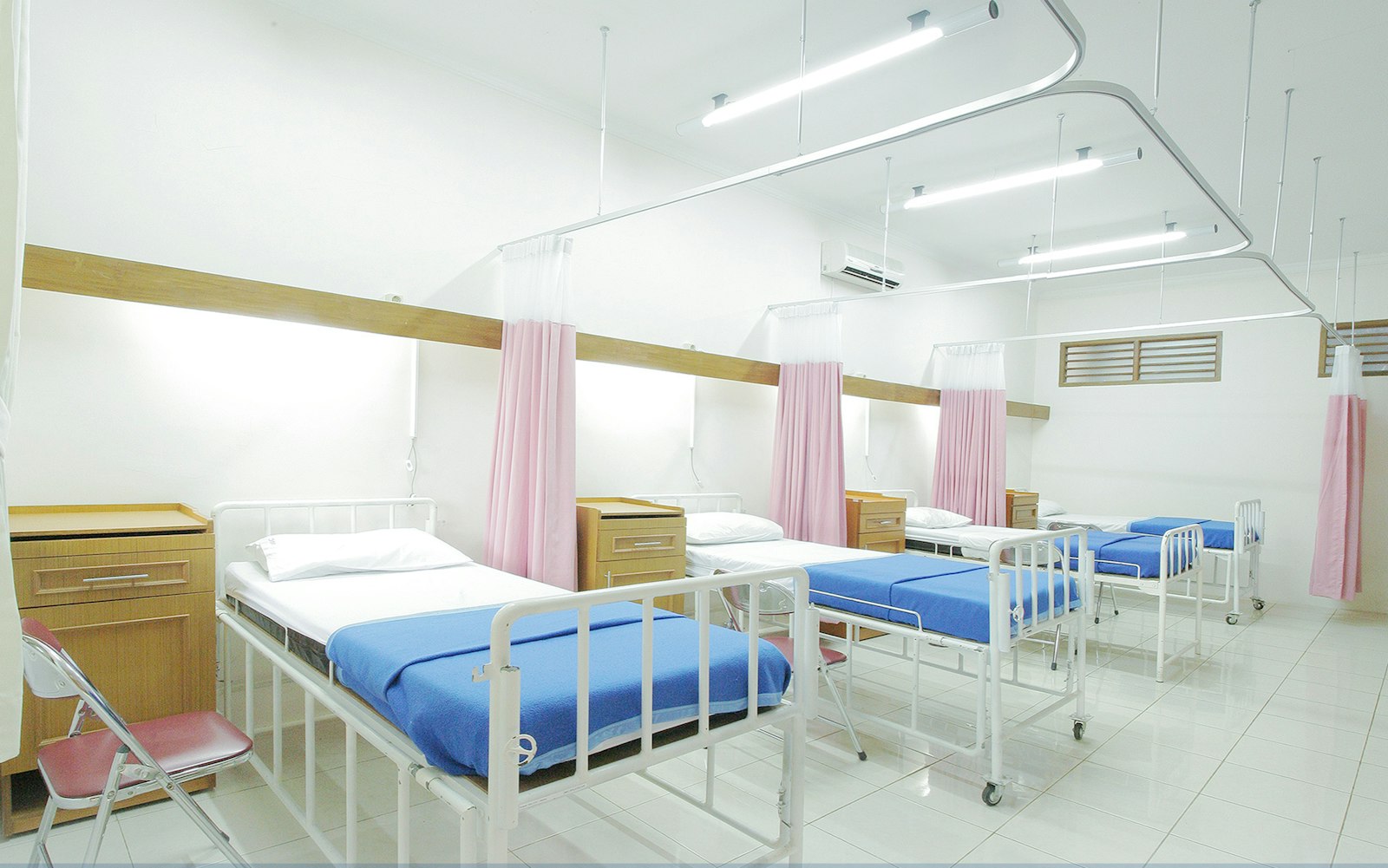 Spanish healthcare practices print less per staff than the typical SMB office because most clinical workflow lives in electronic health record systems. A 12 doctor practice often prints only 8,000 to 15,000 monthly pages despite having 25 to 35 total staff. The dominant volume comes from patient consent forms, prescription printouts, treatment plans for patient take home, insurance claim documentation, and printed radiology reports for archive.
Scan volume runs higher than print volume, particularly when the practice still receives paper documents from external sources (laboratory results, hospital discharge summaries, insurance company correspondence). Scan to EHR workflow becomes important. The chassis needs native integration with the practice's EHR system, or the IT team needs to configure scan to folder routing into a folder structure the EHR can ingest from.
Color volume runs particularly low in healthcare. Most clinical printing is monochrome text. Color appears mostly in patient education materials, marketing for elective procedures, and the occasional anatomical diagram. A typical practice prints under 5 percent color volume. Sizing chassis selection toward strong monochrome capability rather than premium color features matches the actual workload.
Recommended chassis selections
For a 5 to 12 staff small practice. The Canon iR-ADV 525iZ III monochrome MFP at around 3,200 euros runs 50 pages per minute monochrome, ships with single pass duplex ADF, and supports the full configuration stack mentioned above. Color capability is unnecessary at this scale, and the monochrome only chassis comes in 1,500 to 2,500 euros below an equivalent color unit.
For a 12 to 25 staff medium practice. The Ricoh IM 4000 at around 4,800 euros runs 40 pages per minute monochrome with the same configuration depth. The Konica Minolta bizhub 4750i at around 5,200 euros offers similar specifications with slightly faster sleep recovery. Both fit medium practice volume and budget.
For a 25+ staff multispecialty practice. A Segment 3 color MFP becomes appropriate, since color printing for patient education and elective procedure marketing accumulates. The Canon iR-ADV C3826i at 4,500 euros or the Konica Minolta bizhub C360i at 4,800 euros work. Adding a second monochrome only unit at 3,000 to 4,000 euros covers the heavy clinical print volume separately, leaving the color machine for the marketing and patient facing materials.
EHR and clinical software integration
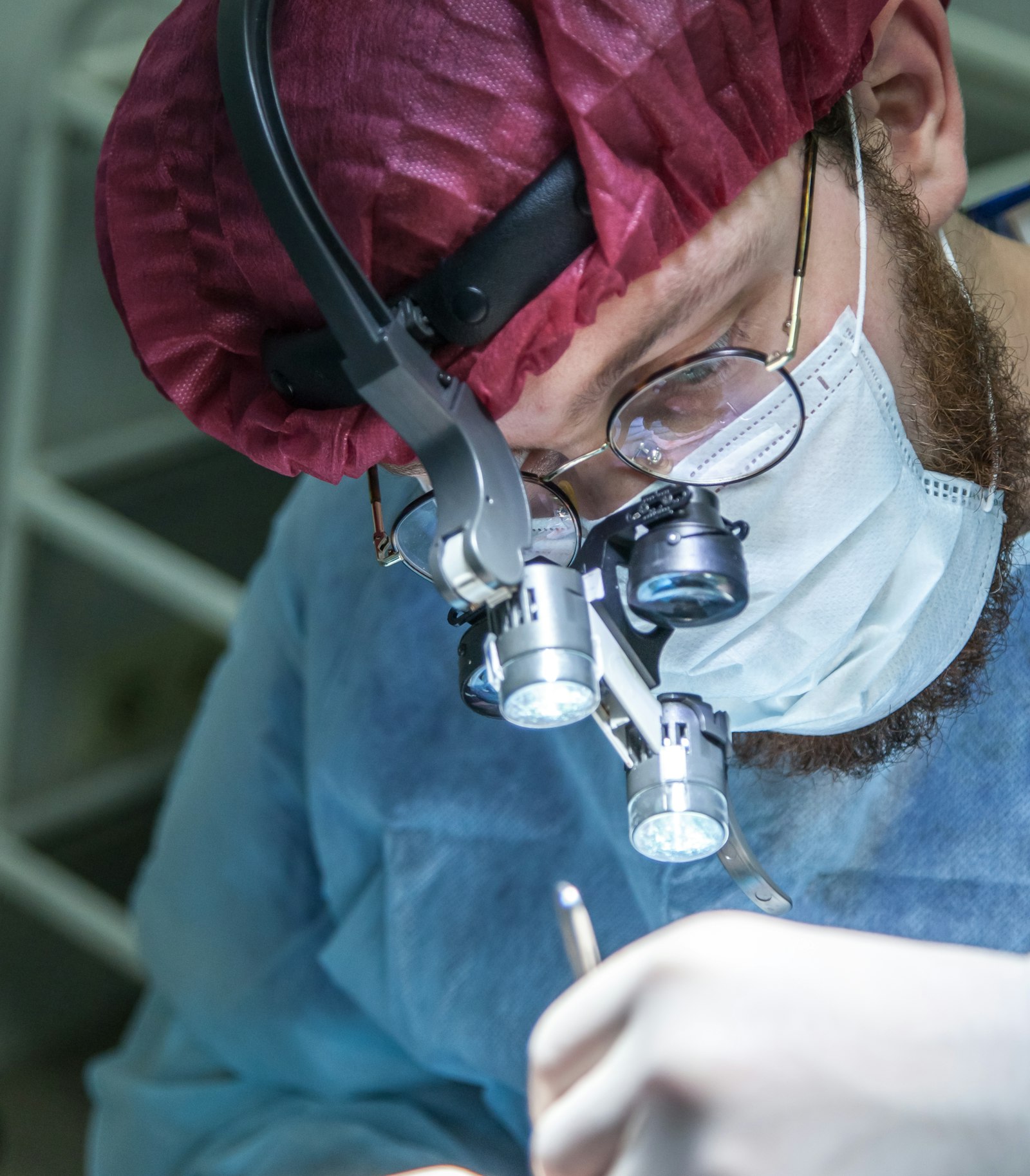 Spanish healthcare practices run various EHR platforms depending on size and specialty. SaludOnNet, MedicalPro, Doctoralia, and various regional health system integrations all expose printing and scanning interfaces. The MFP needs to integrate with whichever EHR the practice uses, either through standard cloud connectors or through custom integration.
For practices integrated with the regional health system (SAS in Andalucia, Sermas in Madrid, Salud in Aragon, etc.) the MFP often interfaces with the regional digital signature infrastructure. Specific regional certificates need to be installed on the chassis to allow document authentication for prescriptions, sick leave certificates, and other formally signed clinical documents. The configuration is region specific and usually handled by the dealer during installation.
For practices running independent EHR platforms, scan to folder typically suffices. The EHR ingests documents from a designated folder structure, with patient identifier extraction handled by the EHR rather than the chassis. The chassis simply scans to the right folder with a specific filename convention. Configuring the workflow takes about an hour during initial setup. The case for understanding what cloud connectors handle this kind of routing connects to scan destination connectors.
Decommissioning protocols
End of lease equipment leaves the practice carrying patient data on its hard drive unless properly wiped. Spanish health data regulations require demonstrable destruction of personal data when equipment leaves the practice's control. The dealer's standard end of lease pickup does not satisfy this requirement automatically, since most dealers refurbish the equipment and resell it without verifying data wipe by default.
Two approaches handle this correctly. The practice runs the chassis disk wipe routine immediately before the dealer picks it up, with a printed confirmation log retained as documentation. Or the practice physically removes and destroys the hard drive before pickup, with the dealer accepting the equipment without the drive at a small reduction in residual value (typically 200 to 400 euros).
The first approach works for most practices. The chassis admin panel includes an end of life data sanitization routine that overwrites the entire drive multiple times to defense grade standards. The routine takes 8 to 24 hours depending on drive size, runs unattended, and produces a confirmation report when complete. The retained report provides the audit documentation if the data protection authority asks.
Patient privacy at the chassis location
The physical placement of the chassis matters. Patient documents that print or output from the scan operation are visible to anyone in the same room. Placing the chassis in a public reception area produces privacy risks even with pull printing active, since the document still becomes visible at the moment of release.
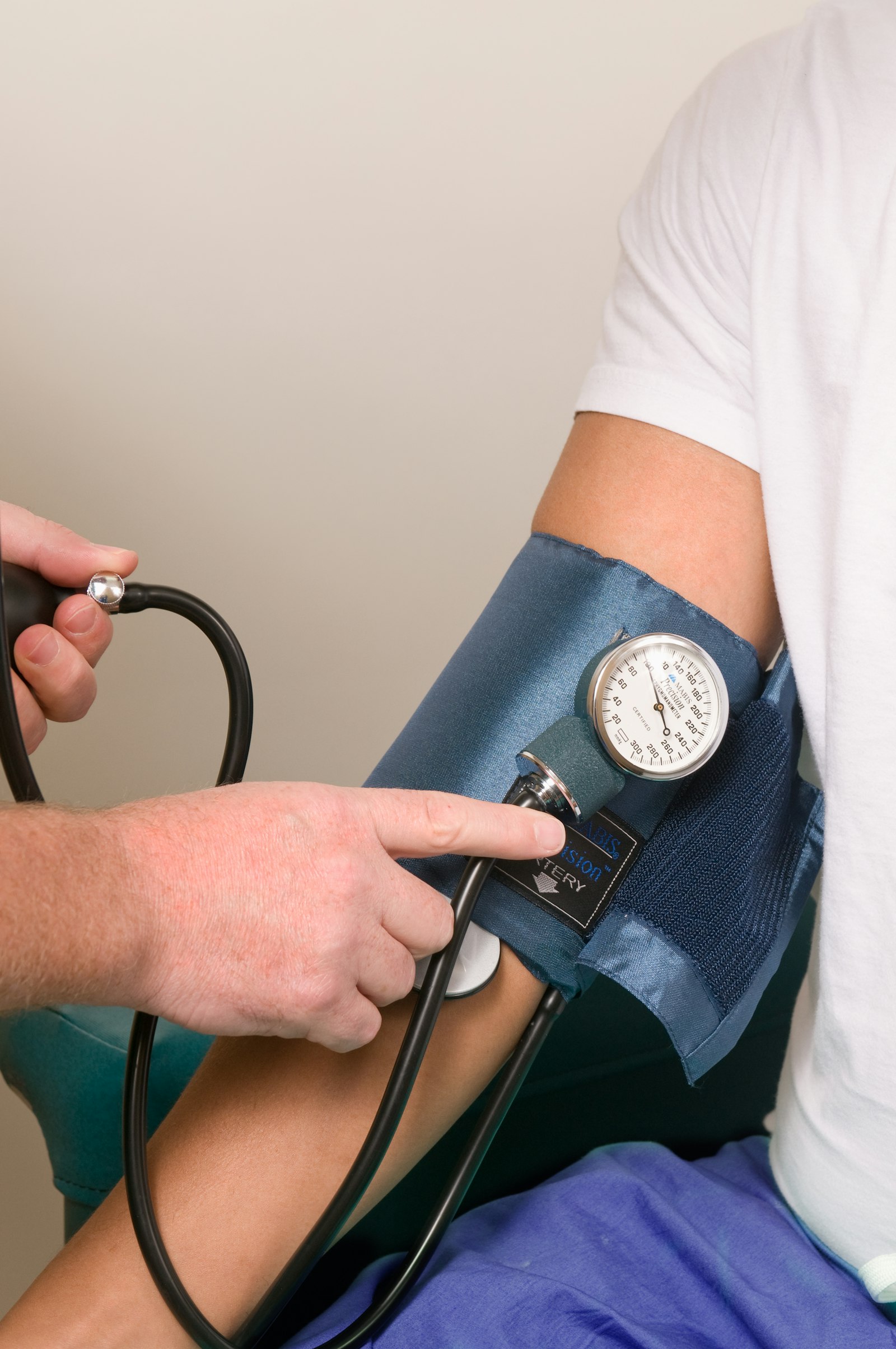 The standard placement for Spanish healthcare practices puts the chassis in a back office or staff only area, away from patient waiting areas. Doctors and nurses retrieve their documents during clinical workflow without patients seeing the output. The configuration requires staff to walk to retrieve documents, which adds time but eliminates the privacy exposure.
An alternative places the chassis in a small dedicated room with limited access. The room functions as the practice's print room, with doors locked when not in use. This setup costs more in floor space but provides the strictest privacy boundary. For practices with regulatory audits, the dedicated room setup is sometimes a recommended control rather than a hard requirement.
The simple decision rule for healthcare
For a 5 to 12 staff small practice. One Segment 2 monochrome MFP with full HIPAA grade configuration. Pull printing with PIN release. Hard drive encryption active. TLS scan to email. Audit logging enabled. Hardware lease around 60 to 100 euros monthly, service contract around 50 to 80 euros monthly.
For a 12 to 25 staff medium practice. One Segment 3 monochrome MFP plus optional small color desktop unit for patient education materials. Print management software (PaperCut MF) for the audit logging that satisfies the 5 year retention requirement. Hardware lease around 90 to 130 euros monthly, service contract around 100 to 160 euros monthly.
For a 25+ staff multispecialty practice. One Segment 3 color MFP plus one Segment 3 monochrome MFP, both on full HIPAA grade configuration with print management. Card based authentication using the same cards used for clinical software access. EHR integration through scan to folder routing. Hardware lease 200 to 300 euros monthly across both, service contract 230 to 370 euros monthly. The case for understanding when offices need fleet thinking applies the same way at this scale as in commercial environments.
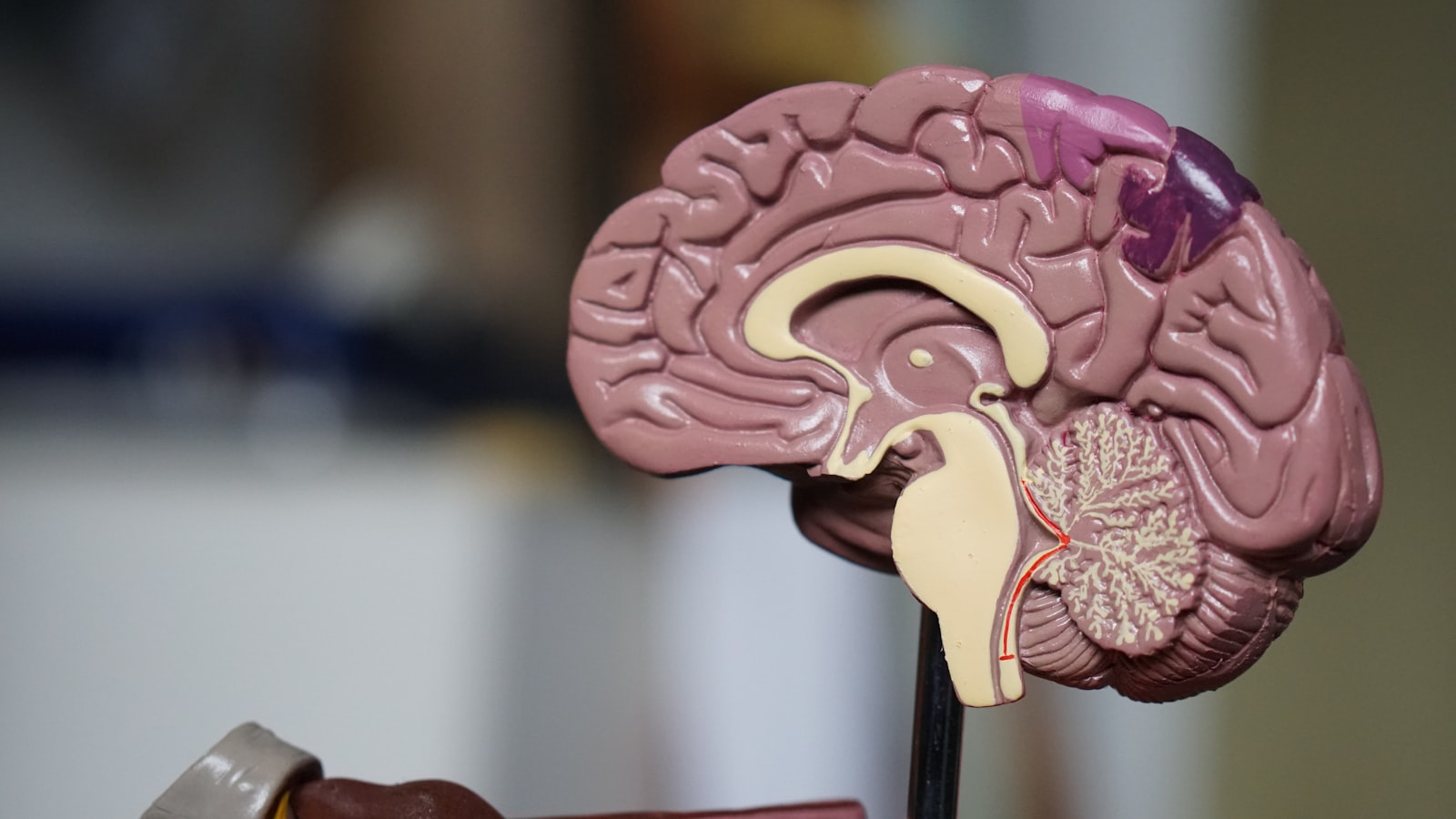 For specialty radiology or imaging practices. The volume profile shifts toward image printing on photographic paper, requiring higher resolution color machines. A Segment 4 production grade color MFP becomes appropriate at this scale, with specific paper handling for imaging output. The detailed conversation at this specialty level extends beyond this general guide and connects to specialty production capability.
Healthcare copier selection in Spain is less about hardware features and more about disciplined configuration. Hard drive encryption. Pull printing. TLS scan transport. Data overwrite. Audit logging. Each setting available on every modern Segment 3 chassis. Each setting needs explicit activation. The dealer typically configures these during installation when the practice asks for them, but waits for the practice to ask. Asking before installation rather than after audit findings prevents the gap. Volume profile in healthcare runs lower than typical SMB office on print but higher on scan, which shifts the chassis selection toward strong monochrome capability and excellent ADF speed rather than premium color features.