The best mobile print photocopiers for traveling staff
Five chassis chosen for offices where staff print from phones and tablets between client visits and need the workflow to operate without configuring a print driver.
Why mobile print became the default not the option
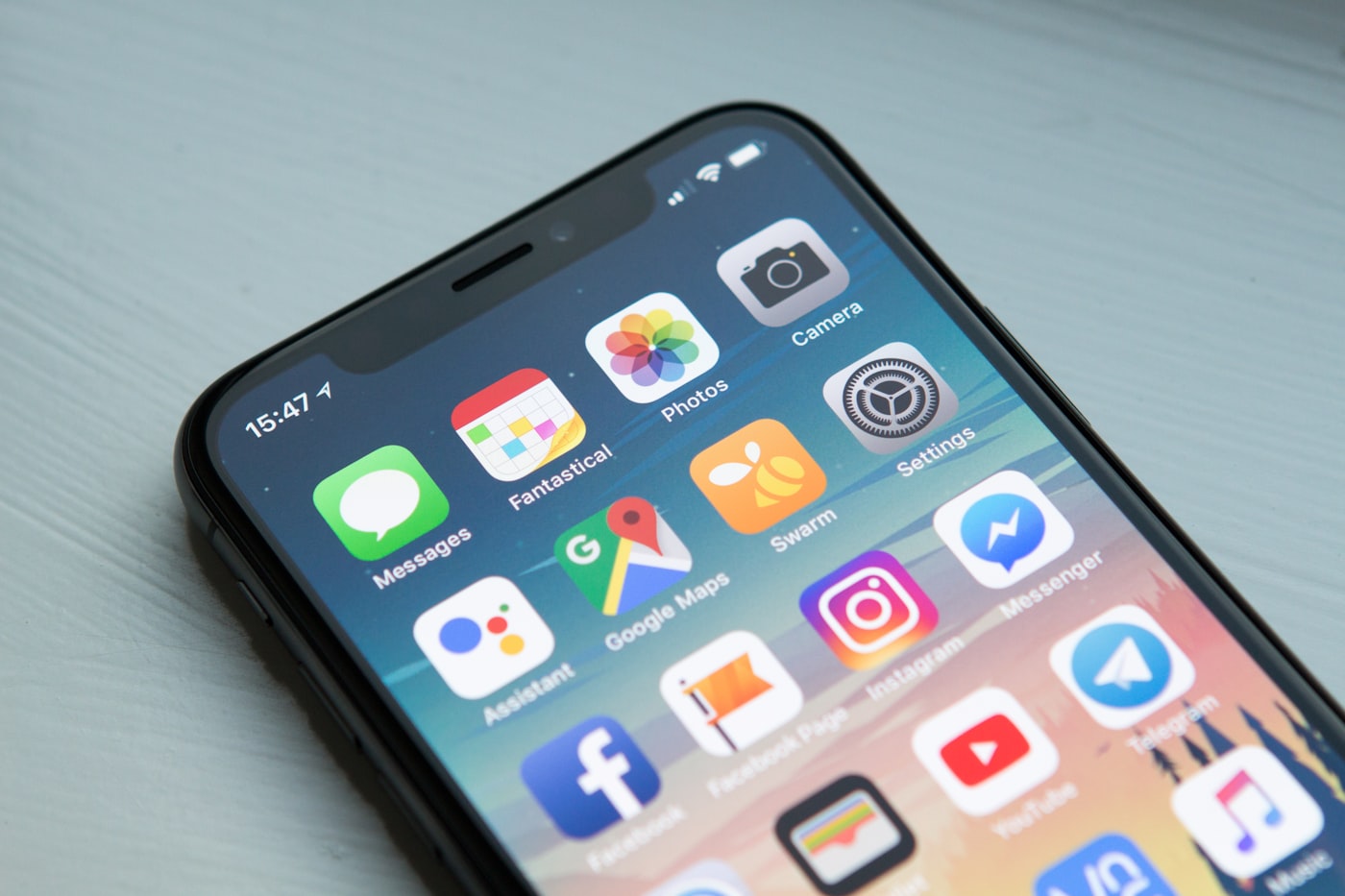
A sales account manager in Madrid moves between client offices, hotel meeting rooms, and the home office across a typical week. The traditional print workflow assumed the laptop sat next to the user with a print driver pointed at the office unit. The actual workflow now runs on a phone and a tablet, with the laptop only opening for proposal-grade work. The chassis sitting in the office has to handle the print job that originates on a phone in a taxi without expecting the user to have configured anything in advance.
The five picks below all support AirPrint for iOS and macOS, Mopria for Android, and at least one manufacturer-specific mobile app that adds capabilities the standard protocols do not cover. The standard protocols handle basic document printing well, while the manufacturer apps add scan-from-mobile, payment integration, secure release with PIN, and direct pull-print where the user starts a job from a phone and walks to any chassis in the fleet to release it.
The mobile print model also handles documents that originate as photos. A user takes a photo of a contract page on a phone, the manufacturer app converts the photo to a flat PDF with corner detection and perspective correction, and the chassis prints the converted PDF rather than the raw photo. The capability matters because traveling staff often need to print from sources that arrive as photos rather than as native documents.
What the picks have to clear
Selection criteria for mobile-print capable chassis run on three axes. The first was support for AirPrint, Mopria, and at least one manufacturer-specific mobile app available on both iOS and Android. The second was secure release functionality that holds jobs in queue until the user authenticates at the panel. The third was a documented mobile print audit log that captures user, device, document name, and timestamp for compliance review.
The selection also weighted the chassis network configuration flexibility. A chassis that supports a guest SSID for visitor mobile devices in addition to the corporate network serves traveling staff who arrive from external networks. Wi-Fi Direct support was treated as a baseline requirement because it allows mobile devices to print without joining a network at all, which serves staff working in temporary spaces where network access is restricted.
Service availability across major Spanish cities was confirmed for each pick. Mobile print workflows occasionally require service support to refresh authentication tokens or update mobile app integration when the underlying mobile platform changes. Picking a chassis with strong dealer support reduces the chance that a mobile workflow goes offline for an extended period.
Pick one HP Color LaserJet Enterprise X65460 with HP Smart

HP Color LaserJet Enterprise X65460 paired with the HP Smart mobile app delivers the most polished mobile print workflow on this list. The HP Smart app handles document creation from camera capture, scan-to-mobile workflows that pull scans from the chassis directly into the phone, and direct pull-print across HP fleets in different locations. The chassis runs at 60 pages per minute in color and uses HP Page Wide imaging for production-class output speed.
The HP Smart app supports document workflows that go beyond basic printing. A user can capture a multi-page document with the camera, edit page order in the app, run OCR to make the text searchable, and either print the result at any HP chassis in the fleet or save the document directly to OneDrive or Google Drive. The integrated workflow eliminates the chain of separate apps that traveling staff would otherwise piece together.
The chassis ships with HP JetAdvantage Security Manager that covers the mobile operations through the same security policy as the chassis itself. Signed firmware, runtime integrity checking, and HP Sure Start verification at boot apply to the mobile print workflow, which keeps the mobile capability within the documented security posture. A note on how mobile print authentication actually works walks through the OAuth flow that connects the phone to the chassis.
Pick two Canon imageRUNNER ADVANCE DX C357iF with Canon PRINT Business
Canon's iR-ADV DX C357iF paired with the Canon PRINT Business mobile app delivers strong mobile workflows with deep integration into the uniFLOW platform. The app handles document capture from the camera, direct printing from photo libraries, scan-to-mobile that uses the phone as a scan destination, and pull-print across the Canon fleet. The chassis runs at 35 pages per minute in color.

The Canon PRINT Business app integrates with uniFLOW Online for cost recovery and access control. A user authenticates once with corporate credentials and the app maintains the session across multiple print jobs through the working day. The integration also handles cost-center charging, so a sales staff member can charge prints to specific client projects from the app without entering the cost-center code at the chassis.
The trade-off here is the same uniFLOW Online subscription cost mentioned in the cloud-connected pick analysis. The platform runs at 4 to 7 euros per user per month under typical Spanish dealer pricing. For organizations with traveling staff who use mobile print heavily, the per-user cost compares favorably to the time savings the integrated workflow delivers. For occasional use the simpler picks below often serve better.
Pick three Konica Minolta bizhub C300i with bizhub MARKETPLACE mobile

Konica Minolta's bizhub C300i with the bizhub MARKETPLACE mobile applications delivers mobile print through a marketplace model that lets the office choose the specific applications matching its workflow. The chassis runs at 30 pages per minute in color and supports AirPrint, Mopria, and Konica Minolta's PageScope Mobile app as standard. Additional applications including DocuSign integration, Salesforce print integration, and Microsoft Teams print integration ship through the marketplace.
The marketplace model gives traveling staff workflow customization that the unified app models do not match. A sales team using Salesforce can print account briefings directly from the Salesforce mobile app to the chassis without exporting to PDF first. A consulting team using Microsoft Teams can print meeting attachments from Teams without leaving the chat thread. The integrations remove the multi-step workflow that would otherwise consume billable time.
The chassis ships with the bizhub Secure platform that includes signed firmware, runtime integrity checking, and Common Criteria certification at EAL3+. The same security stack covers the mobile applications through the marketplace, so the workflow customization does not introduce a security gap relative to the standard chassis posture.
Pick four Ricoh IM C400F with RICOH Smart Device Connector
Ricoh's IM C400F paired with the RICOH Smart Device Connector app delivers mobile print through a chassis-direct connection model rather than a cloud-mediated one. The architectural choice means the phone connects directly to the chassis through Wi-Fi Direct or NFC tap-to-print without sending the document through Ricoh's cloud infrastructure. The model serves staff working in environments where network privacy matters more than fleet-wide management.
The chassis runs at 42 pages per minute in color and supports AirPrint, Mopria, and the Ricoh Smart Device Connector. The NFC tap-to-print works with any modern Android device by holding the phone against the NFC pad on the panel, which transfers the print parameters directly without entering anything at the chassis. The capability serves quick prints between meetings where the user has thirty seconds at the chassis rather than five minutes.
The Smart Operation Panel runs Android underneath and renders mobile print integration through the same panel users see for cloud and local jobs. The unified panel experience means staff who shift between mobile and desktop printing learn one set of panel interactions rather than separate flows. A piece on how NFC pairing works on copiers covers the technical detail behind the tap-to-print workflow.
Pick five Brother MFC-L9670CDN with Brother iPrint and Scan
Brother's MFC-L9670CDN paired with the Brother iPrint and Scan mobile app delivers mobile print at the lower end of the acquisition cost spectrum on this list. The chassis runs at 42 pages per minute in color, supports AirPrint, Mopria, and Wi-Fi Direct, and ships with NFC tap-to-print on the panel. The Brother iPrint and Scan app covers basic mobile print and scan workflows for staff who need the capability without the premium platform overhead.
The trade-off here is that Brother's mobile platform integrates less deeply with enterprise platforms than the picks above. The app handles standard document and photo printing well, but it does not include the cost recovery, audit logging, and multi-platform integrations that uniFLOW or HP Smart deliver. For small offices with traveling staff who need basic mobile capability without enterprise overhead, the simpler app delivers what they need at lower total cost.
The chassis ships at roughly half the acquisition cost of the upper picks on this list. For a small consulting firm with two or three traveling staff, the Brother chassis provides functional mobile print at a price point that matches the actual usage volume. Larger organizations with more staff and more complex workflows usually benefit from one of the picks above where the platform investment pays back through automation depth.
Side-by-side comparison
| Model | Mobile app | NFC | Standout | Best fit |
|---|---|---|---|---|
| HP X65460 | HP Smart | Yes | Camera-to-print + OCR | Polished workflow |
| Canon C357iF | Canon PRINT Business | Yes | uniFLOW integration | Cost-center charging |
| Konica Minolta C300i | MARKETPLACE | Yes | App customization | Salesforce/Teams |
| Ricoh IM C400F | Smart Device Connector | Yes | Direct connect | Privacy-focused |
| Brother MFC-L9670CDN | iPrint and Scan | Yes | Lower acquisition cost | Small offices |
The five picks split along workflow depth and platform integration. HP and Canon lead in polished workflow and platform integration. Konica Minolta provides the deepest customization through its marketplace. Ricoh emphasizes direct connection without cloud mediation. Brother delivers basic mobile capability at lower cost.
How to choose for traveling staff
The first decision lever is the size of the traveling staff group. Below five traveling staff the simpler Brother or Ricoh picks usually deliver the right capability at the right cost. Between five and twenty-five traveling staff the Konica Minolta or HP picks deliver workflow polish that pays back through time savings. Above twenty-five staff the Canon uniFLOW integration provides centralized cost recovery and policy that justifies the platform overhead.
The second lever is the document workflow pattern. Staff who print mostly proposals and contracts created on a laptop work well with any of the five picks. Staff who print mostly from photos taken on the phone benefit from the HP Smart camera workflow. Staff who print from specific enterprise platforms like Salesforce or Microsoft Teams benefit from the Konica Minolta marketplace integration depth.
The third lever is the network access model. Staff who work mostly from the office network benefit from the standard mobile print on any chassis. Staff who work from external networks or restricted environments benefit from the Ricoh direct-connect model that uses Wi-Fi Direct or NFC without requiring network access. The access pattern shapes which chassis architecture serves the workflow.