The quietest photocopiers for shared office spaces
Five chassis chosen for offices where the copier sits within ten meters of the closest desk and noise during printing has to stay below the threshold of distraction.
Why noise is a measurable purchase factor
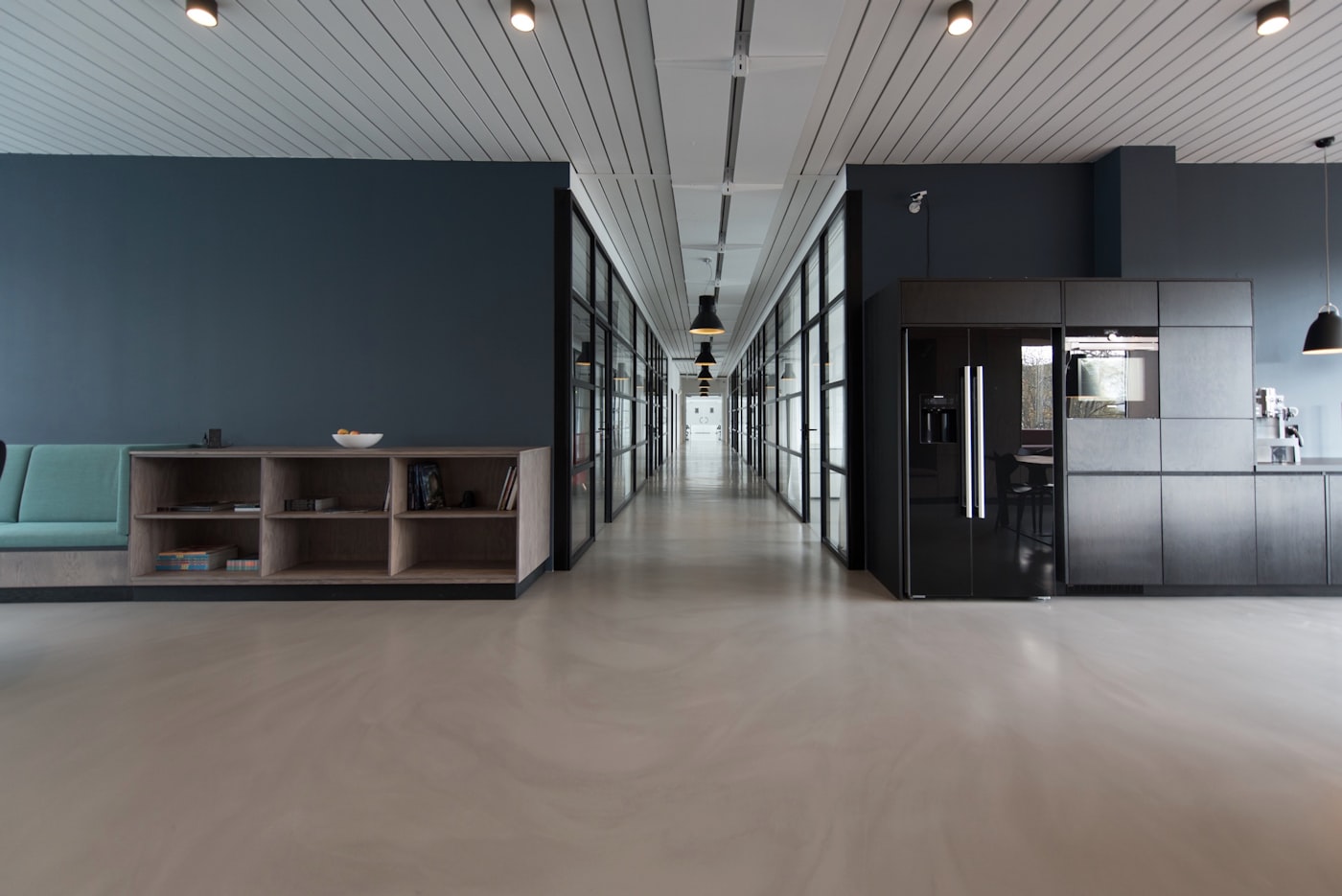
An open-plan office in central Madrid often runs an ambient noise level of 45 decibels with normal conversation and air conditioning hum. A standard office copier reaches 56 decibels during printing, which is roughly the volume of a normal conversation at one meter. The copier becomes the loudest sound in the room every time someone prints a 50-page document, and the cumulative effect on focus across a working day is significant.
The five picks below all run at 50 decibels or quieter during printing, with the upper picks reaching 47 decibels which is below normal conversation volume. The decibel scale is logarithmic, so a 6-decibel reduction from 56 to 50 represents roughly a four-fold reduction in perceived sound power. The audible difference between a 56-decibel chassis and a 50-decibel chassis is dramatic, and the difference between 50 and 47 is also meaningful in a quiet office.
Standby noise matters as much as printing noise in a shared space. A copier that runs cooling fans continuously at 35 decibels adds a constant background that staff stop noticing consciously but that contributes to mental fatigue across the day. The picks below all use thermistor-controlled fan speeds that drop standby noise to 25 decibels or below, which is quiet enough to be inaudible in normal office conditions.
What separates these picks from the broader market
Selection criteria for quiet office chassis run on three axes. The first was a documented printing noise level at 50 decibels or below measured according to ISO 7779, which is the standard manufacturers report and audit. The second was a standby noise level at 25 decibels or below. The third was a fuser warm-up cycle that did not produce audible mechanical noise spikes, because warm-up sound is more disruptive than continuous print sound at the same average decibel level.
Print speed was treated as a secondary criterion. Quiet chassis tend to use slower fuser warm-up cycles and quieter motor configurations, which trades raw speed for noise performance. The five picks span 28 to 50 pages per minute, which serves the typical shared office mix without requiring aggressive speed-noise trade-offs. Chassis above 50 pages per minute were excluded because the noise floor at those speeds exceeds the bracket regardless of acoustic design.
The selection also excluded chassis with high-capacity paper feeders because those modules add significant operational noise during pickup. Offices that need quiet operation should pair the chassis with standard cassettes, accepting the trade-off of more frequent paper loading in exchange for a quieter overall acoustic profile.
Pick one Brother MFC-L9610CDN at 47 decibels printing

Brother MFC-L9610CDN runs at 47 decibels during printing, which is the quietest level in this list of five. The chassis runs at 50 pages per minute in color, ships with a 250-sheet cassette and a 100-sheet bypass, and supports a 1,610-sheet maximum capacity through an optional second tray. Standby noise drops to 24 decibels through Brother's BR-Score acoustic engineering applied across the cooling system.
The chassis uses LED imaging rather than laser, which removes the rotating polygon mirror that contributes most of the high-frequency noise in laser-based chassis. The mechanical noise floor is dominated by the paper transport system, which Brother dampens through rubber-isolated motor mounts and a sealed fuser cover. The audible signature shifts from sharp high-frequency tones toward broadband sounds that carry less perceived loudness.
The trade-off here is monthly volume. Recommended duty cycle reaches 8,000 color pages, which fits a small or medium shared office but constrains a large open-plan space with twenty-five or more staff. The MFC-L9610CDN is the right answer for the quiet small office. Larger spaces should consider one of the picks below where the volume capacity matches the staff count even if the noise level rises a few decibels. A note on how acoustic isolation works on copiers explains the engineering trade-offs in more detail.
Pick two HP Color LaserJet Enterprise X65460 at 50 decibels
HP Color LaserJet Enterprise X65460 runs at 50 decibels during printing and 26 decibels during standby. The chassis uses Page Wide technology rather than traditional laser, which replaces the rotating drum and developer rollers with a stationary inkjet array that produces less mechanical noise during operation. Print speed reaches 60 pages per minute in color, which is fast for a quiet chassis.
The chassis ships with a 550-sheet cassette and supports up to 4,300 sheets across additional cassettes. Recommended monthly volume reaches 30,000 color pages, which serves a larger open-plan office without exceeding the duty cycle. The HP Page Wide platform uses a different consumable structure than traditional laser chassis, with bulk ink supplies that produce a lower cost per page than HP's standard laser line by roughly 20 percent.
The trade-off on the X65460 is the inkjet-based imaging which behaves differently from laser on heavy stock and color saturation requirements. Office stocks at 80 to 200 gsm work well, but specialty stocks above that range require careful selection. Color saturation runs slightly below what laser-based chassis deliver on photographic content, which is acceptable for office work but limits use for design proofs and client-facing color materials.
Pick three Konica Minolta bizhub C300i at 49 decibels
Konica Minolta's bizhub C300i runs at 49 decibels during printing through the Quiet Mode that reduces motor speeds during low-volume jobs. The chassis runs at 30 pages per minute in color with Quiet Mode active and 35 pages per minute with the standard mode. Standby noise drops to 23 decibels through the same thermistor-controlled fan management that Konica Minolta uses across the bizhub i-series.
The Quiet Mode is operator-selectable through the control panel and operates per-job rather than as a global setting. A user printing a quick one-page document can leave Quiet Mode off for fastest throughput, while a user printing a fifty-page document selects Quiet Mode to minimize the disruption to nearby colleagues. The capability is more flexible than chassis with fixed acoustic profiles.
The chassis ships with the bizhub Secure platform that includes signed firmware, runtime integrity checking, and Common Criteria certification. The same security stack appears on the larger bizhub units, which keeps fleet-wide policy consistent for offices that have multiple Konica Minolta chassis. Setup time runs about three hours including the directory integration step.
Pick four Canon imageRUNNER C3025i at 48 decibels
Canon's iR C3025i runs at 48 decibels during printing with the Quiet Mode active and 53 decibels in standard mode. The chassis runs at 25 pages per minute in color, ships with a 550-sheet cassette and a 100-sheet bypass, and supports up to 2,300 sheets across additional cassettes. Standby noise drops to 25 decibels through Canon's standard cooling management.
The Quiet Mode on the C3025i operates by reducing the fuser warm-up speed and the paper transport speed, which extends the print cycle time but keeps the audible signature below 50 decibels. The mode is operator-selectable per job and integrates with the uniFLOW print management platform, so an office can configure Quiet Mode as the default for jobs printed during defined quiet hours such as before 9 AM and after 6 PM.
The chassis ships with the same uniFLOW Online platform Canon deploys on its larger fleet, which keeps the management surface consistent for offices that scale across multiple chassis. The Universal Send platform that captures scans into shared mailboxes also runs on this chassis at the same quiet acoustic profile, which extends the noise advantage across the full set of office workflows.
Pick five Ricoh IM C300F at 49 decibels

Ricoh IM C300F runs at 49 decibels during printing through the Eco Quiet Mode that reduces fan and motor speeds. The chassis runs at 30 pages per minute in color, ships with the Smart Operation Panel that runs Android underneath, and supports the Streamline NX print management platform for cost recovery and audit logging. Standby noise drops to 22 decibels through the same acoustic engineering applied across the IM family.
The Eco Quiet Mode operates as a global setting that the office configures once at installation rather than as a per-job selection. The trade-off is less flexibility than the Konica Minolta and Canon picks above, but the always-on configuration removes the chance that a user accidentally prints in standard mode and disrupts the quiet office. The setting choice depends on whether the office values consistency or per-job flexibility.
The Smart Operation Panel includes connector applications for the major cloud platforms, which a shared office uses to send scans directly to tenant cloud accounts without configuring server-side workflows. The combination of quiet operation and integrated cloud connectivity makes the IM C300F a strong fit for coworking spaces and small professional service offices.
Side-by-side comparison
| Model | Print noise | Standby noise | PPM | Best fit |
|---|---|---|---|---|
| Brother MFC-L9610CDN | 47 dB | 24 dB | 50 color | Quietest small office |
| HP X65460 | 50 dB | 26 dB | 60 color | Higher volume quiet |
| Konica Minolta C300i | 49 dB | 23 dB | 30 color quiet | Per-job mode |
| Canon iR C3025i | 48 dB | 25 dB | 25 color quiet | Time-window quiet |
| Ricoh IM C300F | 49 dB | 22 dB | 30 color quiet | Always-quiet config |
The five picks split along volume capacity and quiet-mode configuration model. Brother leads in absolute quiet but carries the lowest volume capacity. HP scales the quiet operation to higher volumes through its Page Wide technology. Konica Minolta, Canon, and Ricoh offer quiet modes with different control models suited to different office cultures.
How to pick a quiet chassis
The first decision lever is monthly volume. Below 5,000 pages per month the Brother MFC-L9610CDN delivers the quietest operation in the list. Between 5,000 and 15,000 pages the Konica Minolta, Canon, and Ricoh picks all serve the bracket with similar quiet performance. Above 15,000 pages the HP X65460 is the only pick with the duty cycle to support the volume without overworking the chassis.
The second lever is the office culture around print speed expectations. An office where users tolerate slightly slower print cycles for the noise benefit works well with the Konica Minolta or Canon Quiet Mode picks. An office where users expect full speed at all times needs either the Brother chassis with its inherent quiet design or the HP Page Wide chassis that delivers high speed at low noise.
The third lever is the management model preference. An always-on quiet configuration on the Ricoh IM C300F removes the chance of user error but reduces flexibility. A per-job quiet mode on the Konica Minolta or Canon picks gives users control but requires user awareness. The right choice depends on whether the office prefers central management consistency or distributed user control.