What features dental offices should prioritize when buying a copier
A 3 dentist family practice in suburban Madrid with two hygienists and a receptionist. A 5 dentist multispecialty clinic in Valencia with orthodontics and oral surgery. A 2 dentist boutique cosmetic practice in Marbella catering to international patients. Spanish dental practices share a workload profile that is unlike most other healthcare settings, with high consent form volume, regular insurance documentation, occasional photo and x-ray printing, and a need for waiting room appropriate equipment placement that affects chassis selection.
Dental copier needs are simpler than larger medical practices but include specific feature priorities most general office MFP guides miss.
The dental practice volume profile
A typical 3 dentist Spanish practice with 5 to 7 total staff prints between 2,500 and 5,000 monthly pages. Patient consent forms before procedures account for the largest single category. Treatment plans handed to patients for review run second. Insurance claim documentation, prescriptions, and clinical notes round out the regular categories. Total volume puts dental practices firmly in the SOHO band, not the SMB band their staff count might suggest.
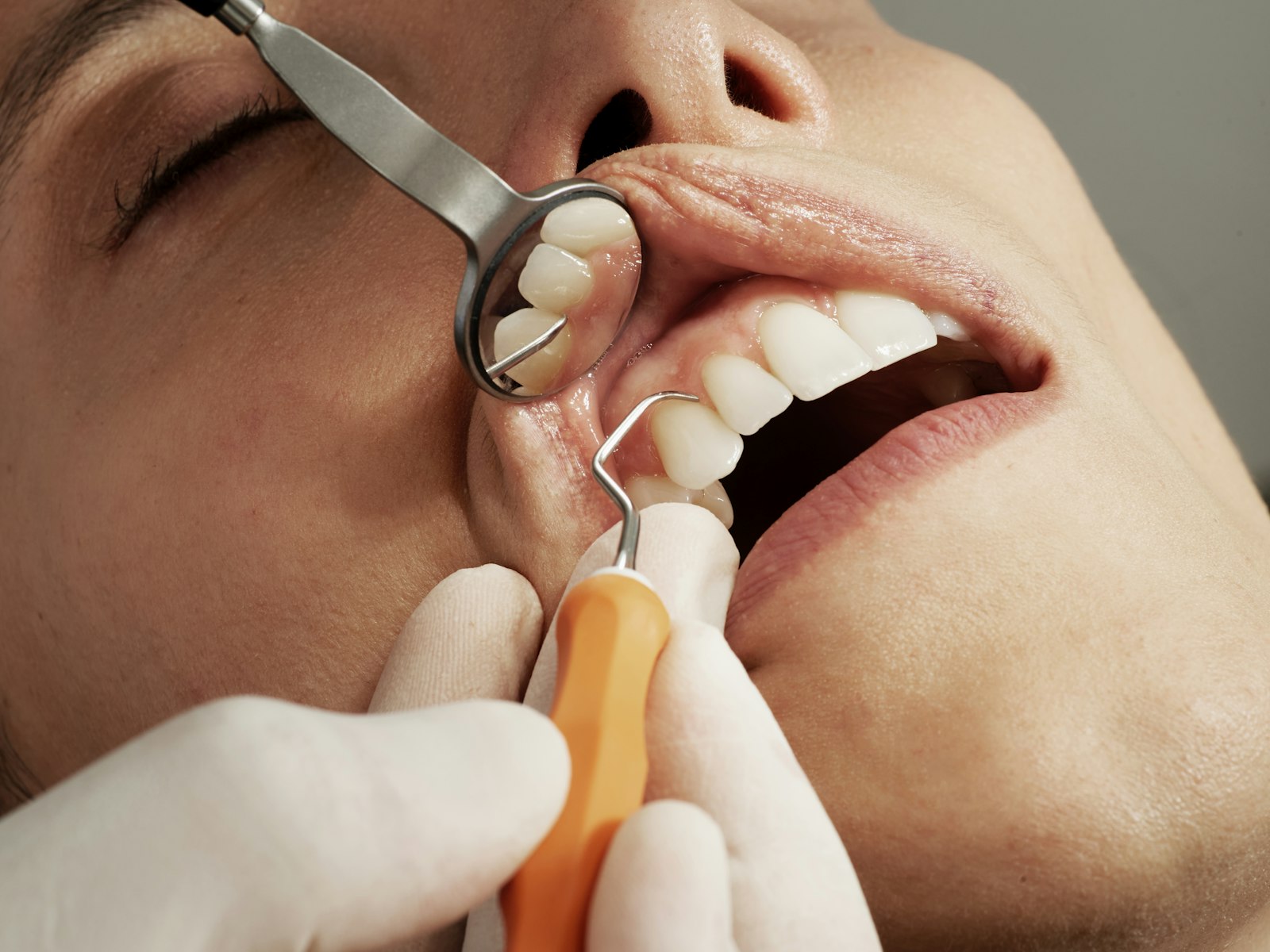 The relatively low volume per staff reflects the highly visual nature of dentistry. Treatment planning happens with intraoral photos, x rays, and chairside digital tools rather than paper documents. Patient education uses screens during consultations. The paper output is mostly transactional - the documents that need patient signatures or that travel with the patient as physical reference. The case for matching equipment to actual workload, particularly when staff count would suggest larger equipment than volume requires, is at volume to capacity matching.
Photo and x-ray printing requirements
Dental practices occasionally need to print intraoral photographs and x-ray images for patient handouts, referrals to specialists, or insurance claim documentation. The output quality requirements run higher than typical office printing, since the recipient needs to interpret clinical detail from the printed image.
Most Segment 2 and Segment 3 office MFPs handle this output competently when configured correctly. The chassis needs to support photo paper in a bypass tray, and the print driver needs to use photo quality settings rather than office quality defaults. Some practices keep a small inkjet photo printer alongside the office MFP for specifically photographic output, since inkjet output on coated paper produces visibly better photo reproduction than laser MFP output on plain paper.
The hybrid approach (office MFP for bulk documents plus dedicated photo printer for clinical images) costs around 200 to 400 euros extra for the dedicated unit but produces better clinical output for the cases that matter. Practices with regular x-ray and photo printing requirements typically choose this hybrid setup, while practices that only occasionally need photo output stay with the office MFP photo capability.
Privacy and the dental practice layout
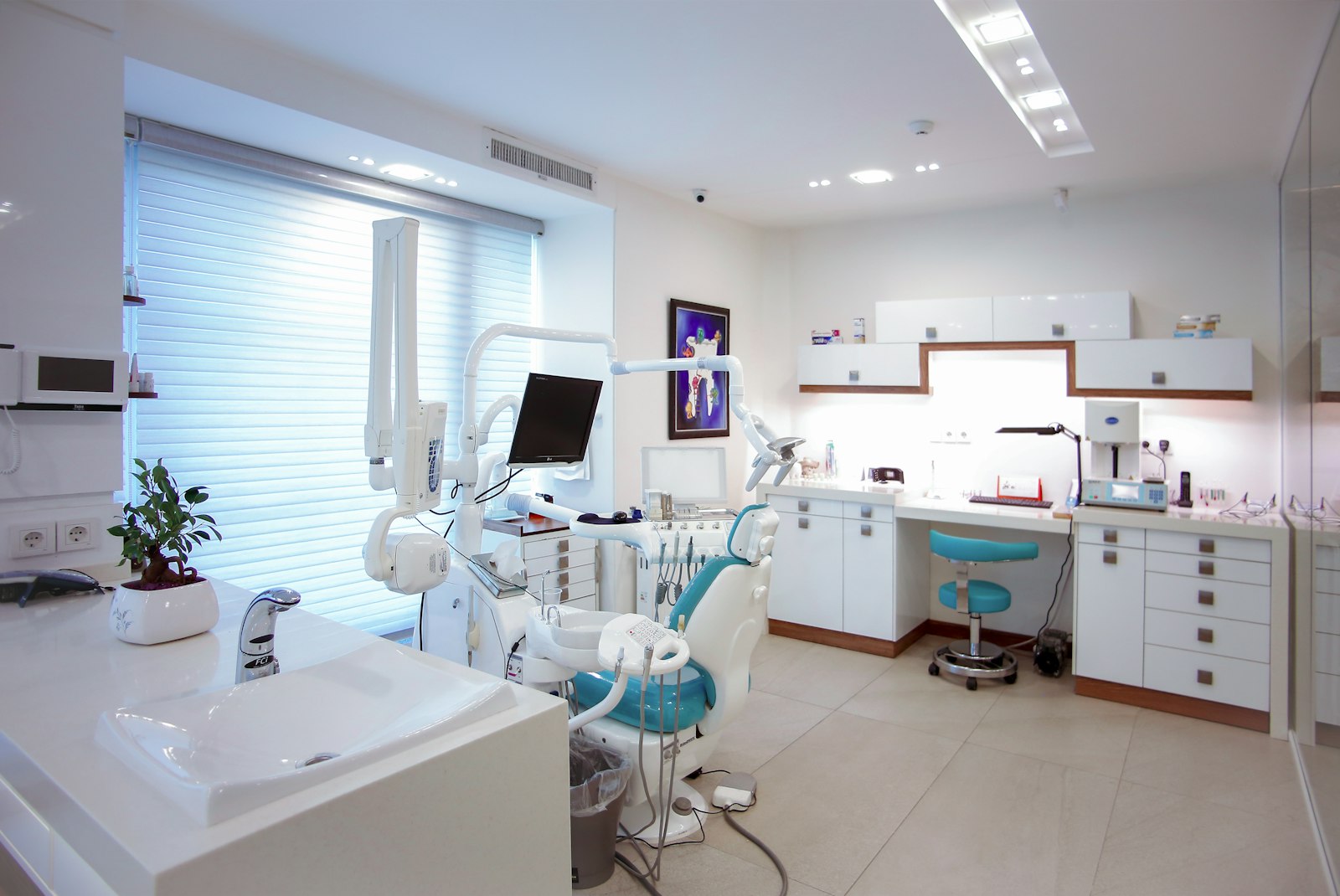
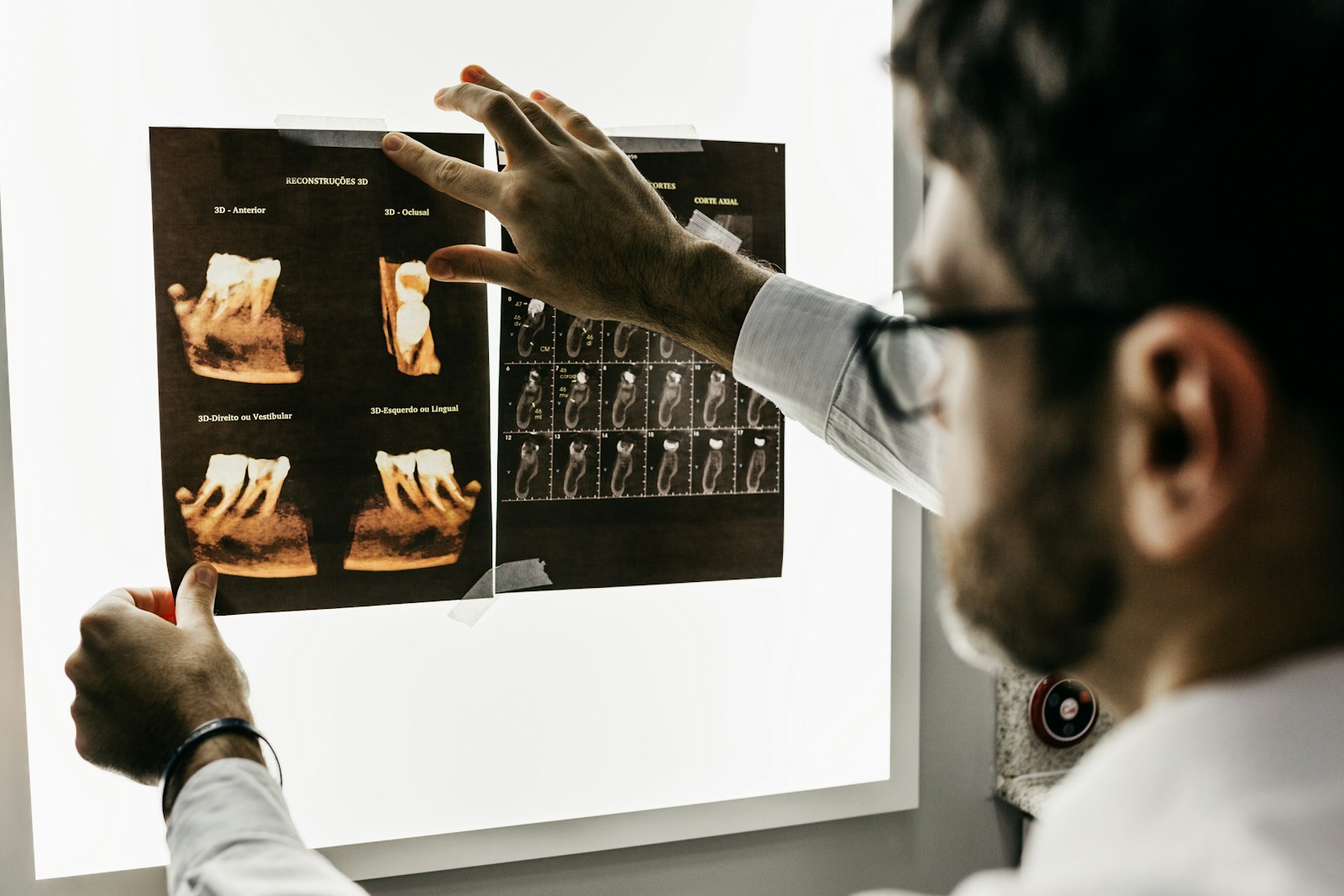 Dental practice layouts typically place the reception desk near the entrance, with treatment rooms behind. The office equipment usually sits at the reception desk for staff use, which creates a privacy boundary problem. Patients waiting in the lobby see whatever the receptionist is printing or scanning. Patient names, consent forms, treatment plans, and insurance details all become visible at the moment of output.
Two configurations solve this. Pull printing with PIN release ensures jobs do not output until the receptionist physically authenticates at the chassis, eliminating the abandoned page problem. Placing the chassis in a back office area away from patient sight lines, with the receptionist walking back to retrieve documents during clinical workflow gaps. The second approach is more inconvenient operationally but provides the strictest privacy boundary.
Patient information that ends up in MFP hard drive cache also matters. Same approach as larger healthcare practices - hard drive encryption set to AES 256, automatic data overwrite on deleted jobs, and proper end of life data sanitization when the chassis is decommissioned. The five mandatory configurations apply at dental scale just as they do at medical scale, with the deeper read at RGPD healthcare configuration.
Dental specific software integration
Spanish dental practices run various practice management software platforms. Klinic, Gesden, Dentitek, MaxAlfa, and several specialty systems handle patient records, treatment plans, billing, and clinical documentation. The MFP needs to integrate with whichever system the practice uses for two specific workflows: scanning patient documents into the patient record and printing treatment plans formatted by the management system.
Most dental management software exposes a Windows print driver interface for the print side. The MFP appears as a standard printer on the staff workstations, and the management software sends print jobs through the standard Windows print queue. Print management software for pull printing layers transparently above this without requiring custom integration.
The scan side is more variable. Some dental management systems include scan integration that captures from a connected scanner directly into the patient record. Others require staff to scan to a folder and manually attach the file to the patient record afterward. The chassis configuration adapts to whichever workflow the management software uses, with scan to folder being the lowest common denominator that works regardless of the specific system. The case for understanding how cloud connectors and folder destinations work sits at scan destination configuration.
Recommended chassis selections
For a 1 to 2 dentist solo or partnership practice. The Brother MFC-L8900CDW at around 850 euros runs 31 pages per minute color, supports the full dental workflow including scan to folder for patient records, and fits in a reception desk corner without requiring dedicated floor space. Hardware purchase outright works at this scale, with no service contract needed.
 For a 3 to 5 dentist multidoctor practice. The Canon i-SENSYS MF754Cdw at around 700 euros covers most workloads, or stepping up to a Segment 2 unit like the Canon iR-ADV C257i at 1,800 euros adds capacity for growth. The Segment 2 chassis lasts longer in service and produces lower per page operating cost, justifying the higher up front cost when the practice plans to keep the equipment for more than 5 years.
For a multispecialty practice with orthodontics, oral surgery, and general dentistry under one roof. A Segment 3 multifunction unit becomes appropriate at this scale, since per specialist print volume varies widely and total volume can reach 10,000 to 15,000 monthly pages. The Canon iR-ADV C3826i or Konica Minolta bizhub C360i fit this scenario. The case for understanding when to scale up to office class equipment is at office class versus production class.
The waiting room aesthetic factor
Dental practices in Spain compete partly on perceived quality of the practice environment. The reception desk and waiting room communicate practice professionalism to patients arriving for the first time. The MFP visible behind the reception desk forms part of this impression.
Older or beat up looking equipment can subtly undermine the patient's confidence in the practice. Dental practices investing in modern reception furniture, good lighting, and aesthetic interior design often want the visible office equipment to match. The visual finish of newer Canon, Ricoh, and Konica Minolta chassis tends to be more refined than older equipment or budget brands like Brother and Pantum, which matters for the waiting room visible scenarios.
The trade off between purely functional and aesthetically refined equipment usually amounts to 200 to 600 euros per chassis at the SOHO scale. For practices where reception desk visibility matters, the small upcharge for the more polished looking chassis pays back in subtle reputational terms over the chassis lifetime. The everyday distinction between equipment that is visible to patients and equipment that is hidden from patient view shapes this decision.
Insurance documentation workflows
Spanish dental insurance reimbursement runs through several major insurers (Adeslas, Sanitas, DKV, ASISA, Mapfre Salud) plus the public health system for limited covered services. Each insurer has its own claim submission format, with most accepting either email submission of scanned documents or upload through their respective web portals.
 The MFP scan workflow for insurance documentation typically ends in either email or a folder that gets uploaded to the insurer portal. Configuring scan presets for each insurer (preset 1 sends to claim queue for Adeslas, preset 2 sends to claim queue for Sanitas, etc.) eliminates the manual file routing that would otherwise consume reception desk time.
Some Spanish dental practices use third party insurance billing services (Dentaid, Smile Connect, Dentalmark, etc.) that handle the claim submission across all insurers. The MFP routes scans to the billing service through a single email or folder destination, and the service handles the per insurer routing afterward. The simplification reduces practice IT overhead at the cost of the billing service fee.
Total cost across the practice lifecycle
| Practice size | 5 yr hardware | 5 yr operating | 5 yr total |
|---|---|---|---|
| 1-2 dentists | 900 EUR purchase | 1,500 EUR toner/paper | 2,400 EUR |
| 3-5 dentists | 3,500 EUR lease | 3,800 EUR service | 7,300 EUR |
| Multispecialty 6-10 | 5,500 EUR lease | 6,000 EUR service | 11,500 EUR |
The numbers assume baseline volumes and standard service contracts at typical Spanish dental practice rates. Adjusting for actual volume changes the operating cost line proportionally. Practices running heavy color volume for cosmetic procedure marketing should add roughly 30 to 50 percent to the operating cost line. The case for managing color cost specifically through policy and configuration sits at cost per page math.
The simple decision rule for dental practices
 For a 1 to 2 dentist solo or duo practice. A 700 to 900 euro multifunction laser unit purchased outright. The Brother MFC-L8900CDW or Canon i-SENSYS MF754Cdw cover the full workload. No service contract needed at this volume. Optional small inkjet photo printer alongside for occasional clinical image printing.
For a 3 to 5 dentist multidoctor practice. A Segment 2 multifunction lease at around 60 to 90 euros monthly plus service contract at 50 to 80 euros monthly. The Canon iR-ADV C257i or equivalent Ricoh and Konica Minolta options work. Pull printing with PIN release for privacy. Hard drive encryption active. Standard healthcare grade configuration applies even at this scale.
For a multispecialty practice. A Segment 3 multifunction with full healthcare configuration. Hardware lease around 90 to 130 euros monthly, service contract around 100 to 150 euros monthly. PaperCut MF for audit logging if the practice wants formal compliance documentation, otherwise the chassis built in audit features suffice. The case for understanding when fleet thinking applies at small practice scale (it does not, single chassis works well through about 10 dentists) versus when it does apply ties into the broader segment math at segment classification.
Dental copier selection sits at the SOHO end of healthcare equipment buying. Volume is low. Privacy still matters. Insurance documentation flows are predictable. The chassis lives at or near reception, where visual finish becomes part of the patient first impression. Pull printing with PIN release plus hard drive encryption produces the privacy controls dental practices need without requiring enterprise grade equipment. The right machine costs between 700 and 5,500 euros depending on practice size and lasts 5 to 8 years comfortably.