How a budget conscious startup should think about its first office copier
A four person Madrid SaaS startup just signed a Series A and rented a 120 square meter office above a cafe in Chamberi. The cofounders need a copier. The CFO is allergic to capital expenses. The COO wants something that scales when headcount triples next year. The investor expects expenses to look reasonable on the next board deck. Picking a copier in this context produces a different decision than picking one for an established business. The variables are different and the constraints are tighter.
Startups buy for two horizons. What works for the team this quarter and what survives the next round of growth without forced replacement.
Why the startup case differs
Established businesses know their print volume. The accounting team has 12 months of data. The dealer survey produces accurate figures. The chosen equipment matches the predicted volume with margin for normal variance. Startups have none of this. Volume forecasts are guesses. Headcount projections are even worse guesses. The copier purchased today might serve 4 people for six months and 20 people for the next year and 40 people the year after that.
 The cash position adds another constraint. Most early stage startups in Spain operate on 18 to 24 months of runway. Spending 4,500 euros up front on a Segment 3 office MFP that may end up being the wrong size in a year is harder to justify than spending 250 euros on a small laser printer plus a separate document scanner that covers the immediate need. The case for staying smaller in the early days connects to the broader question of when single function printers earn their keep.
The phased approach
Most successful startup print strategies run in two or three phases. Phase one covers months 0 to 12, the early team of 2 to 8 people. A 250 to 600 euro single function laser printer plus a 350 euro document scanner handles the workload comfortably. Total cost under 1,000 euros. The setup fits in the corner of the office without dominating the space.
Phase two starts when the team crosses 8 to 12 staff. The print volume rises past 2,000 monthly pages and the limitations of phase one equipment start to show. Time to upgrade to a Segment 1 or Segment 2 multifunction unit, lease based for cash flow reasons, with a 36 month term to leave room for further upgrades when the team grows again.
Phase three arrives at 25+ staff when the office moves out of the converted retail space and into a proper office building. The lease structure and equipment scale shift to mid market patterns at this point. The detailed mid market path is at mid market buying.
Phase one specific recommendations
 For a 2 to 6 person startup printing under 1,500 monthly pages with rare scanning needs. The Brother HL-L2400DW at 200 euros covers print. The Fujitsu ScanSnap iX1600 at 480 euros covers scanning into searchable PDF directly to iCloud or Google Drive. Total 680 euros, one time purchase, no service contract.
For a 4 to 8 person startup printing 1,500 to 3,000 monthly pages with regular scanning. Step up slightly to a multifunction unit. The Brother MFC-L8900CDW at 850 euros covers print, copy, scan, and fax in one chassis. Add a separate scanner only if the multifunction unit's ADF runs slower than the team needs.
The case against jumping straight to Segment 3 office MFPs at this scale is the recurring lease commitment. A 60 month lease at 80 euros monthly equals 4,800 euros across the term, which a small startup may not justify against the under 1,000 euro alternative if growth uncertainty makes the equipment scale unclear.
Lease versus buy at startup scale
Outright purchase wins when the equipment cost is small (under 1,500 euros) and the company has the cash to absorb the up front expense without strain. The buy approach skips dealer relationships entirely, simplifying the equipment story for the founding team focused on product and customer acquisition.
Leasing wins when the equipment is larger (above 2,500 euros) and cash flow is the constraint. The 60 to 80 euros monthly lease payment fits startup budgeting better than a 4,000 euro line item. The trade off is the dealer relationship and the per page service contract that comes with leased equipment, which adds operational overhead the small team may not want to manage.
Spanish startups often choose 36 month leases rather than the standard 60 month enterprise term, paying slightly higher monthly rates in exchange for the ability to refresh equipment more frequently. The 36 month structure aligns with typical startup growth cycles where the right equipment in year one is rarely the right equipment in year three.
Refurbished equipment as a startup option
 Refurbished MFPs from off lease inventory cost 40 to 60 percent less than new equivalents while delivering the same daily user experience. A 3 year old Canon iR-ADV C3520 (the predecessor of the current C3826i) might list at 1,800 euros refurbished compared to 4,500 euros new. For a startup that wants Segment 3 capability without the new equipment price, refurbished delivers the function at a much lower price point.
The risks come from the supply side. Toner availability for older models declines over time. Service technician familiarity for older models declines too. Buying a refurbished unit that is too old (more than 5 years from manufacture) often results in supply chain problems within 12 to 18 months. The sweet spot is 2 to 3 years off lease, where the equipment still has 4 to 5 years of useful life and toner and service support remain readily available.
Several Spanish dealers specialize in refurbished office equipment, including Renove Solutions, Refurbecompras, and various regional resellers. The case for understanding what makes refurbished equipment worth buying or not is connected to the broader question of equipment lifecycle and dealer relationships.
Coworking arrangements as a third path
Some Spanish startups skip buying or leasing equipment entirely by joining coworking spaces (Impact Hub, WeWork, Talent Garden, Loom, OneCoWork, etc.) where copy and print services are included in the monthly membership. The cost per page typically runs 0.05 to 0.10 euros at coworking facilities, higher than office contracts but with no equipment, no contract, and no maintenance overhead.
For startups under 10 staff that print sporadically, the coworking print arrangement often costs less than maintaining dedicated equipment. A startup printing 500 pages a month at a coworking facility pays around 30 to 40 euros monthly for print, with no other equipment costs. The same volume on owned or leased equipment runs 60 to 100 euros monthly when accounting for hardware amortization, toner, paper, and service.
The trade off is convenience. Walking to a shared printer in a coworking space takes 30 to 60 seconds. Printing from a desk takes 2 seconds. For startups that print constantly, the convenience cost outweighs the coworking savings. For startups that print rarely, the savings dominate. The case for understanding when coworking print makes sense versus dedicated equipment ties into coworking print scenarios.
Cloud workflow design from day one
Modern Spanish startups operate almost entirely in cloud workflows. Documents live in Google Drive or Microsoft 365. Contracts go through DocuSign. Invoices flow through Holded or QuickBooks. The print device serves as a backup for the rare cases when paper output is needed. Designing the workflow to minimize printing from day one saves cost across every phase of growth.
 Three habits reduce print volume meaningfully. Default to electronic signature on contracts using DocuSign or HelloSign rather than printing for ink signatures. Default to digital invoice delivery rather than printing and mailing physical invoices. Default to digital expense receipts captured via phone camera apps like Captio or Expensify rather than printing for filing.
The combined effect of these defaults often cuts print volume by 50 to 70 percent compared to startups operating with default print habits. The smaller volume means the equipment selection drops one category. A startup that would have needed a Segment 2 multifunction with these defaults instead can run a small laser printer plus document scanner combo successfully. The everyday distinction between digital first and paper first workflows shows up clearly here.
What to skip even though it sounds tempting
The all in one consumer inkjet at 99 euros from a big box store. The starter ink runs out in 3 weeks. Replacement ink costs more per cartridge than a Brother laser starter cartridge would and produces fewer pages. The chassis breaks within 18 months. Total cost across two years exceeds what a 200 euro laser would have cost.
The 5,000 euro Segment 3 floor standing MFP. Capacity is appropriate for a 25 person office, not a 4 person startup. The lease commitment runs 5 years, longer than most startup product cycles. The chassis takes floor space the office does not have. The case for sizing equipment to actual workload is recommended monthly volume, where the same logic applies at every scale.
The fancy color photocopier with extensive finishing. Saddle stitch, hole punch, perfect bind. Most startups never use these features. The premium for them adds 1,500 to 4,000 euros to a chassis that already exceeds startup needs. Choose the simpler chassis and skip the finishing options entirely.
The simple decision rule for startups
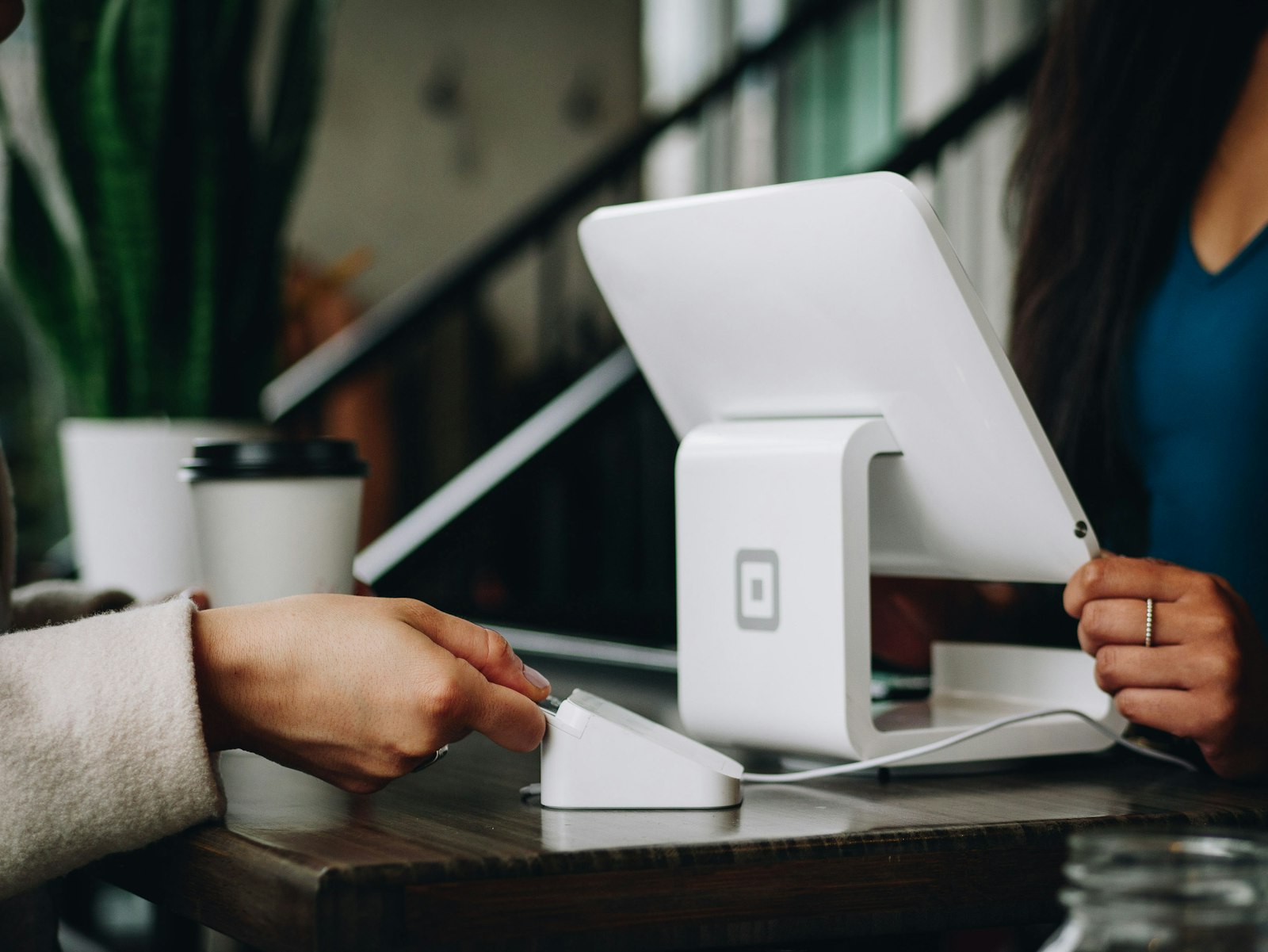 For a 2 to 6 person startup with cloud workflow and minimal printing. A 200 to 400 euro single function laser printer plus a 350 to 480 euro document scanner. Total under 900 euros. No service contract.
For a 4 to 12 person startup with regular printing and moderate scanning. A 700 to 900 euro multifunction unit purchased outright or on a 36 month lease. The Brother MFC-L8900CDW or HP Color LaserJet Pro M479fdw. Cost flexibility through lease structure if cash flow demands it.
For a 12 to 25 person startup approaching SMB scale. Time to step into proper office equipment. A Segment 2 or Segment 3 multifunction with 36 month lease, allowing an equipment refresh as the team continues growing. The detailed SMB buying logic at this scale connects to the previous tier guide. Startups crossing this threshold often benefit from a print management software install at the same time, even at small scale, since it sets up the workflow patterns the company will rely on as it grows further. The general framework for matching equipment to workload sits at fitting machine to volume.
Startup copier decisions live in two horizons. The current team and the next growth phase. Phase one stays small with under 1,000 euros of equipment. Phase two upgrades to a small multifunction unit on a short lease. Phase three crosses into proper office equipment when the team and the volume warrant it. Cloud first workflows reduce print volume by half or more, dropping equipment requirements down a category and saving on every monthly bill that follows.