What to look for in a copier when your team is between twenty five and one hundred people
Once an office crosses 25 people, the question stops being which copier and starts being how many copiers, where to put them, and how to manage them as a fleet rather than as standalone units. A 60 person engineering studio in Madrid running a single Segment 3 MFP hits the duty cycle ceiling within months. The same office running two Segment 3 MFPs on different floors handles the workload comfortably and gives users shorter walks to the nearest device. Mid market buying decisions live mostly at this fleet planning level.
Volume between 20,000 and 80,000 monthly pages. Two or three machines distributed across the office, not one central chassis. Fleet management software starts to earn its keep at this scale.
The fleet thinking shift
Smaller offices buy one machine because one machine handles the workload. Mid market offices buy multiple machines because the math no longer fits one chassis. A 50 person office printing 35,000 pages monthly runs into both volume and proximity constraints. Volume because 35,000 is above the comfortable Segment 3 recommended monthly volume of 20,000 to 30,000. Proximity because asking a marketing manager on the third floor to walk down to the second floor for every print job destroys productivity in measurable ways.
 Two Segment 3 MFPs on separate floors, each handling roughly 17,500 pages monthly, fits both constraints. Total hardware cost runs around 9,000 to 11,000 euros, distributed across two leases and two service contracts. The dual chassis approach also produces redundancy, since a paper jam on the second floor does not stop the third floor team from printing. The everyday distinction between centralized and distributed equipment thinking starts to bite at this scale, and the broader segment context for choosing the right capacity tier sits at segment classification.
How many machines, where to put them
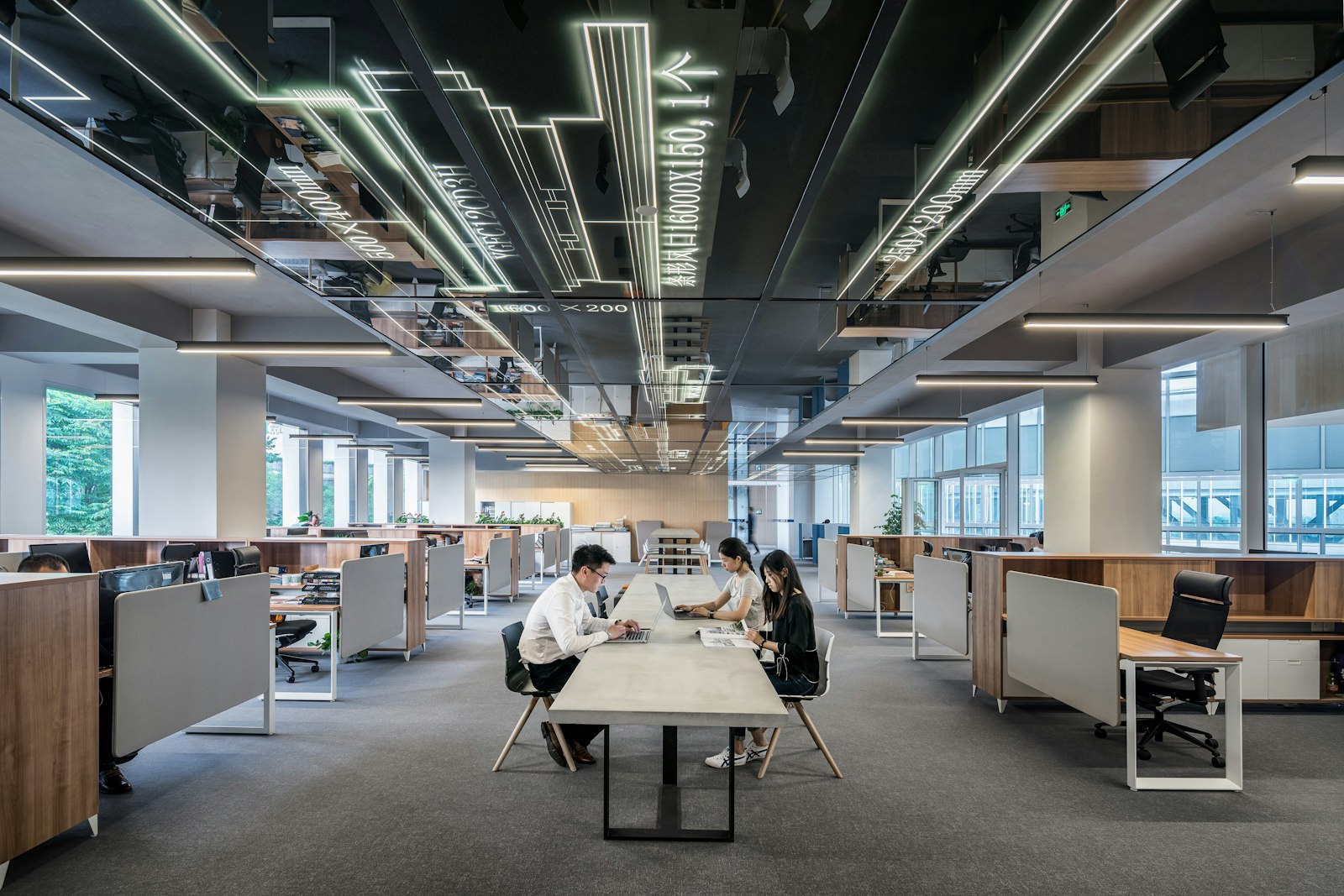
The standard rule of thumb in the Spanish dealer ecosystem places one floor standing MFP per 25 to 35 staff, with adjustments for floor layout. An open plan office of 60 staff on one floor typically uses two MFPs at opposite ends, giving everyone a walking distance under 30 meters. A 60 staff office split across two floors usually places one MFP per floor, regardless of staff distribution between the floors.
Walking distance matters because productivity research consistently shows that print jobs delayed by long walks tend to pile up unprinted, leading to lost productivity and lost documents. Most modern dealer fleet design tools include floor plan analysis where the dealer measures actual walking distances and recommends placement to minimize the total. The 30 meter target is a reasonable upper bound for routine print jobs, with shorter distances better for high volume teams.
 A satellite desktop printer model also works at this scale. A central Segment 4 MFP on each floor handles scanning, copying, and large jobs. Smaller desktop printers at high volume desks handle the constant trickle of single page jobs without forcing the user to walk. The hybrid approach combines the centralized MFP cost efficiency with the desktop convenience for the heaviest individual users. The case for keeping single function printers in the right scenarios is at single function printer scenarios.
Segment 4 candidates worth considering
The Canon iR-ADV C5550i at around 7,500 euros runs 50 pages per minute color, recommended monthly volume reaches 35,000 pages, and the chassis ships with single pass duplex ADF, multiple paper trays, and the imageWARE Enterprise Management Console for fleet visibility. Canon's controller integration with uniFLOW makes this chassis fit naturally into multi machine fleet workflows.
The Ricoh IM C5000 at around 8,200 euros offers 50 pages per minute color with a heavier paper handling capacity than the Canon. Maximum paper capacity reaches 4,300 sheets across optional add ons, useful for offices that print large jobs without daily reload friction. The Ricoh integrates with Streamline NX for centralized print management.
The Xerox AltaLink C8055 at around 9,500 euros runs 55 pages per minute color, the fastest in the Segment 4 entry tier. Recommended monthly volume hits 40,000 pages, giving a comfortable margin for offices with peak month volumes well above the average. The Xerox ConnectKey App Gallery includes more third party integrations than competing controllers, which matters most for offices using DocuSign, Concur, or specialized industry workflows.
 The Konica Minolta bizhub C550i at around 8,800 euros sits in the middle of the Segment 4 candidates. Print speed 55 pages per minute color, single pass duplex ADF rated at 300 sheet capacity, and the Dispatcher Suite Pro workflow software available as add on. Where this chassis differentiates is on first copy out time and sleep recovery, both notably faster than competitors. The deeper read on those timing measurements is at FCOT and sleep timing.
Fleet management software earns its keep
Running two or three MFPs without centralized management produces three problems. Toner inventory becomes hard to predict because each machine consumes at different rates. Service tickets pile up because each machine reports failures independently rather than through a unified queue. Cost reporting becomes opaque because the bills come separately from the dealer for each unit, without consolidated print volume by department or by user.
Print management software solves all three. PaperCut, uniFLOW, and YSoft SafeQ are the three dominant platforms across Europe in 2026. Each one runs as a server in the office, registers all the MFPs in the fleet, and provides centralized visibility, authentication, accounting, and pull printing. The platforms charge per device or per user depending on licensing, with typical costs running 30 to 80 euros per machine per month for small to medium fleets.
 Pull printing across the fleet is the feature that mid market offices benefit from most. A user sends a print job from any computer. The job sits in a central queue. The user authenticates at any registered MFP using PIN or card and releases the job there. Walking up to a different machine because the closest one has a paper jam takes one tap rather than re sending the job. The everyday distinction between machines integrated into a print management platform and standalone units is part of the broader category covered at what an MFP delivers.
Service contract structure at fleet scale
Multi machine offices typically negotiate fleet wide service contracts rather than separate contracts per machine. The fleet contract bundles all the units under one rate sheet, with shared service hours, shared toner inventory at the dealer, and one consolidated invoice monthly. Most dealers offer 5 to 15 percent discount on per page rates compared to standalone single machine contracts, since the operational efficiency on their side improves with multiple machines under one contract.
Response time SLAs become more important at this scale. With two or three MFPs serving 50 to 100 staff, a four day downtime on one machine produces measurable productivity loss. Standard SLA terms range from 4 hour response with next business day resolution to 8 hour response with 24 hour resolution. The faster terms cost slightly more but reduce the downtime cost meaningfully.
Negotiating the SLA with a contractual penalty clause (service credit applied to the next month invoice if the SLA is missed) changes dealer behavior. Without a penalty, dealers schedule service tickets at their convenience. With a penalty, the dispatch priority reflects the contract reality. Where the dealer ecosystem aligns with these expectations differs by region. Madrid and Barcelona dealers typically meet 4 hour SLAs reliably. Smaller cities often run 8 hour SLAs that occasionally slip to next business day. The connection between machine sizing and dealer service expectations is at matching capacity to workload.
Operating cost across five years
| Configuration | Hardware lease | Service contract | 5 yr total |
|---|---|---|---|
| 2x Canon iR-ADV C5550i | 18,000 EUR | 14,000 EUR | 32,000 EUR |
| 2x Ricoh IM C5000 | 19,680 EUR | 13,200 EUR | 32,880 EUR |
| 2x Xerox AltaLink C8055 | 22,800 EUR | 13,800 EUR | 36,600 EUR |
| 3x Konica Minolta bizhub C550i | 31,680 EUR | 17,400 EUR | 49,080 EUR |
| 1x Kyocera 5054ci + 1x 4054ci | 14,400 EUR | 11,400 EUR | 25,800 EUR |
The Kyocera mixed configuration ranks lowest on five year total, leveraging the long life drum design that lowers per page cost across the lease. The trade off is that Kyocera's hardware list price runs slightly above competitors at the same speed class, but the operating cost savings dominate after about 18 months.
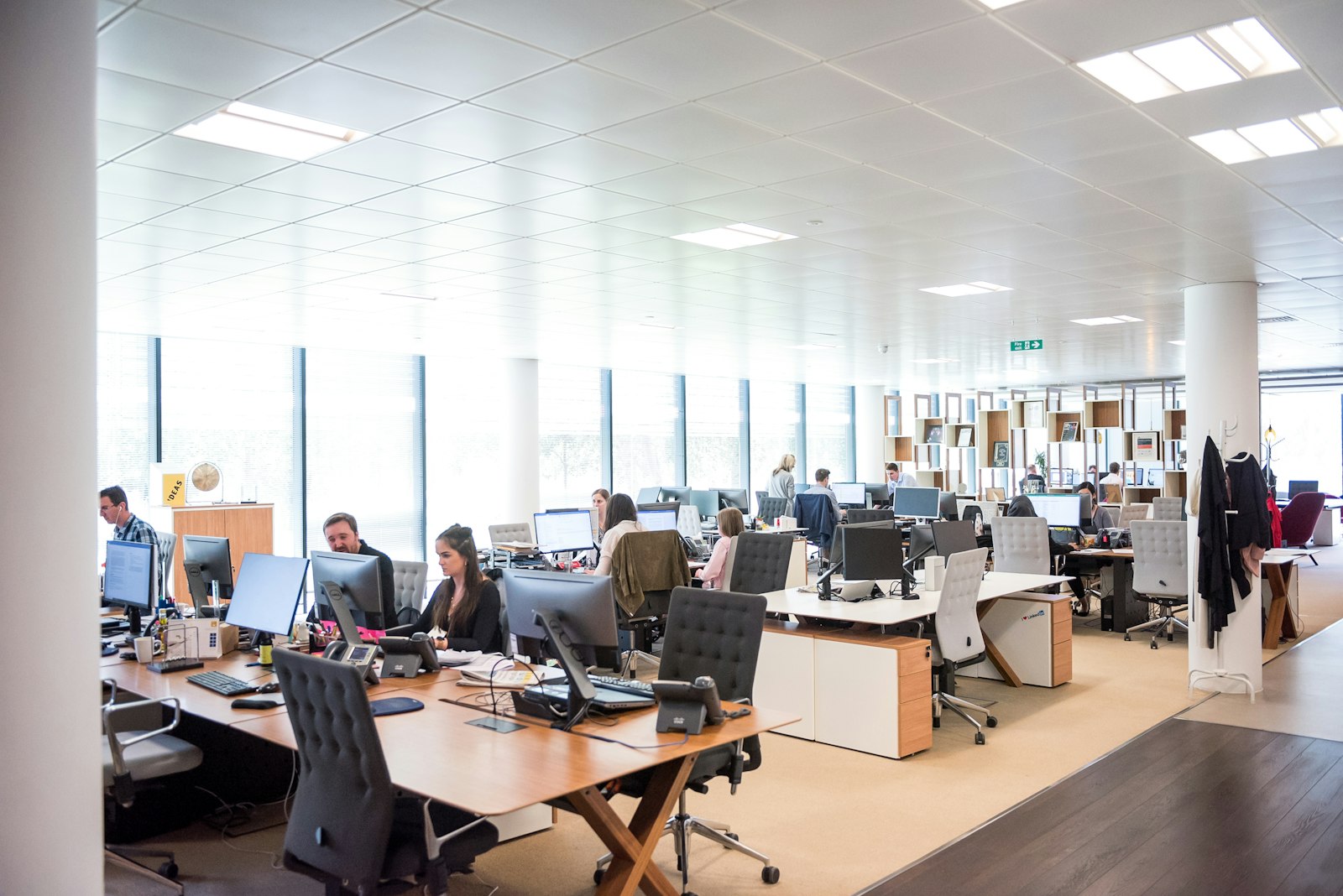 The 3x Konica Minolta configuration assumes a 75 to 100 staff office where three machines distribute better than two would. The hardware cost rises proportionally but per machine utilization drops, extending component lifespan and reducing service interventions. For offices around 75 to 90 staff, the 3 machine configuration often wins on total cost despite the higher hardware investment because of reduced service drag. The case for sizing the fleet to actual workload, including this kind of three machine math, sits at volume planning.
Color cost management
Color cost per page in the mid market band typically runs between 0.04 and 0.07 euros depending on dealer and contract. For a 60 person office with 30 percent color mix on 30,000 monthly pages, color cost lands around 600 to 1,000 euros monthly. Across a 60 month lease the color portion alone runs 36,000 to 60,000 euros, often exceeding the entire hardware lease.
Two strategies reduce color cost meaningfully. Print management software with rules that route color jobs to specific approved users or specific document types prevents color creep, where users print in color simply because the option is there. PaperCut and uniFLOW both support rules of this kind, with typical implementation cutting color volume by 20 to 40 percent across the first six months.
The second strategy involves machine selection. Machines with separate color and monochrome speed ratings, like the Konica Minolta bizhub i series, charge proportionally less when most jobs run monochrome. Setting the office default to monochrome, with users explicitly opting into color when needed, produces volume reduction without policy enforcement friction. The case for understanding color cost dynamics in the broader operating cost picture is at cost per page reading.
Authentication and security at fleet scale
Multi machine fleets benefit from card based authentication more than standalone units do. A 60 person office where every staff member carries an HID Prox card for door access can use the same card to release print jobs at any MFP in the fleet. The authentication infrastructure already exists, the cards already exist, and adding card readers to each MFP costs around 300 euros per device.
The security argument matters. Mid market offices in regulated industries (legal, healthcare, financial) have RGPD obligations around document handling that a standalone print queue cannot satisfy alone. PIN release at minimum, card release preferred, with audit logs of every release event. The infrastructure to support this fits naturally at fleet scale where centralized print management is already justified by other factors.
End of lease decommissioning becomes a fleet operation rather than a single machine event. With three MFPs reaching end of lease at staggered dates, the IT team plans the decommissioning workflow once and applies it three times. Each decommissioning includes hard drive wipe procedures, address book deletion, and physical removal coordination. Where this connects back to the broader question of what an MFP carries that requires careful handling at end of life is at data on the chassis.
The simple decision rule for mid market
For 25 to 50 staff printing 12,000 to 25,000 monthly pages. Two Segment 3 floor standing MFPs distributed across the office. Hardware lease around 150 to 220 euros monthly across both, service contract around 130 to 200 euros monthly across both. Print management software optional but increasingly justified.
For 50 to 75 staff printing 25,000 to 50,000 monthly pages. Two Segment 4 MFPs as primary, with consideration for a third Segment 3 unit if floor distribution requires it. Hardware lease 280 to 400 euros monthly across the fleet, service contract 200 to 350 euros monthly. Print management software effectively required for cost visibility and pull printing functionality.
For 75 to 100 staff printing 40,000 to 70,000 monthly pages. Three Segment 4 MFPs distributed across floors, possibly with one Segment 5 unit serving as the heavy duty workhorse for the office. Hardware lease 450 to 600 euros monthly, service contract 320 to 500 euros monthly. Print management software with department charge back becomes a reporting requirement for many SMEs at this size, particularly where finance teams want monthly print cost allocation by department. The case for understanding when offices cross from mid market into enterprise scale is at enterprise threshold.
Mid market buying shifts from chassis selection to fleet planning. Two or three MFPs distributed across floors. Print management software for centralized visibility, authentication, and pull printing. Service contracts negotiated as fleet packages with response time SLAs. Hardware between 7,500 and 12,000 euros per machine. Total five year cost between 25,000 and 50,000 euros across the fleet. The math no longer fits one chassis once the office crosses 25 to 30 staff, and pretending it does produces accelerated equipment failure and frustrated users.