Choosing between Ethernet WiFi and NFC connections for your office MFP
Three connection technologies that fit different scenarios — Ethernet for primary office use, WiFi for placement flexibility, NFC for tap-to-print mobile workflows. Here is how to choose between them.
Modern office MFPs ship with all three connection options as standard: Gigabit Ethernet on the back panel, dual-band WiFi built into the device, and NFC tap-to-print on the touchscreen. They are not mutually exclusive — many offices use all three simultaneously for different scenarios. Picking the primary connection is about matching the technology's characteristics to the office's specific workflows.
The three options at a glance
Ethernet
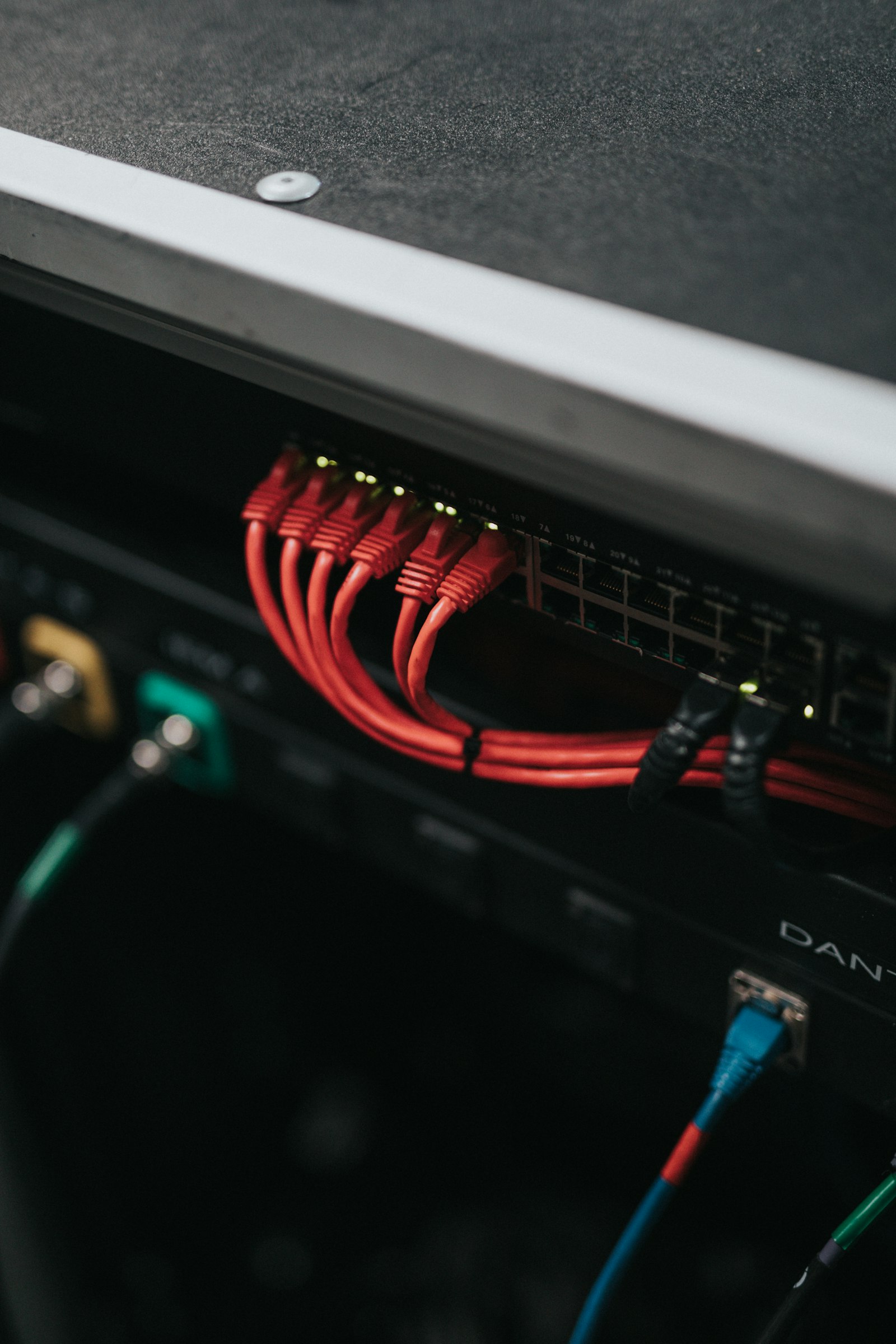
The primary office connection. Wired bandwidth, no interference, and predictable performance. The right default for any shared MFP that processes significant volume.
WiFi
The placement flexibility option. Plug in power, configure WiFi, and the device works from anywhere with coverage. Useful when running Ethernet to the placement location is impractical.
NFC
The mobile-print pairing tool. Tap a phone to the device, NFC initiates a WiFi Direct or local network connection, the file transfers over the high-bandwidth path. Excellent for guest and casual mobile printing.
Side-by-side comparison
| Property | Ethernet | WiFi | NFC |
|---|---|---|---|
| Primary use | Continuous office printing | Flexible placement | Mobile tap-to-print |
| Throughput | 1 Gbps | 200-800 Mbps | Pairing only; file via other path |
| Latency | Lowest | Variable | Connection establishment time |
| Interference susceptibility | None | Moderate (2.4GHz especially) | None (very short range) |
| Security | Inherent (physical cable) | WPA2/WPA3 required | Inherent (proximity required) |
| Setup complexity | Lowest | Moderate (SSID, credentials) | Minimal (per-user enrollment) |
| Best for | Office MFP fleet | Mobile workspaces, satellite offices | BYOD, guest printing |
When each connection fits
Ethernet is the default. Wired bandwidth and predictability matter for the device that handles most office volume. Configure WiFi as a backup path for the rare network outage; use NFC for mobile users who want tap-to-print convenience.
WiFi as primary. The placement location lacks Ethernet, running cable is impractical, and the volume is low enough that wireless bandwidth suffices. Ensure signal strength is adequate at the placement location before committing.
NFC plus WiFi as primary. Meeting room volume is sporadic, mobile devices dominate, and NFC tap-to-print fits the workflow naturally. Ethernet useful if network ports exist nearby; WiFi sufficient if not.
NFC plus print-by-email. Guests need to print without joining the office network. NFC handles tap-to-print from mobile devices; print-by-email handles desktop visitors. Ethernet backbone connects the device to the office network for internal users.
Ethernet primary, no exceptions. Production volume demands wired bandwidth and reliability. WiFi and NFC remain available as supplementary paths for mobile users but the print server connection runs Ethernet.
The hidden advantage of NFC — credential pairing
Beyond mobile printing, NFC handles user authentication on many enterprise MFPs. A user taps their badge (which embeds an NFC chip) to the reader on the device and the device authenticates them for pull-printing release, account-coded printing, or scan-to-folder access. This use of NFC has nothing to do with print transport — the file moves over Ethernet or WiFi — but the NFC tap initiates the user session faster than typing credentials.
WiFi band considerations
Modern dual-band MFPs support both 2.4 GHz and 5 GHz WiFi. The 5 GHz band offers higher throughput and less interference but shorter range; 2.4 GHz penetrates walls better but suffers more congestion in dense office environments. For MFPs in line-of-sight to the access point, prefer 5 GHz. For MFPs separated from the access point by walls or floors, 2.4 GHz often produces more reliable connection despite lower theoretical speed.
Wi-Fi 6 and Wi-Fi 7 on newer MFPs
MFPs shipping in 2024-2025 include Wi-Fi 6 (802.11ax) support; some 2025-2026 models include Wi-Fi 7 (802.11be). These newer standards bring higher throughput and better behaviour under network congestion but require corresponding access points to deliver the benefit. In offices still running Wi-Fi 5 (802.11ac) access points, the MFP falls back to Wi-Fi 5 and the newer protocol provides no immediate advantage.
NFC implementation variants
NFC on MFPs comes in several flavours. Some implementations require the vendor's mobile app on the user's phone; others work with the OS's built-in print framework (iOS AirPrint, Android Default Print Service). For BYOD environments, the OS-native approach produces broader compatibility than vendor-app approaches. Verify which the candidate MFP supports before relying on NFC for guest printing.
Disabling unused interfaces for security
Enterprise security guidance often calls for disabling unused interfaces. An MFP connected via Ethernet and never used for WiFi should have WiFi disabled. The interface remains physically present but cannot establish connections, eliminating the wireless attack surface. The same principle applies to NFC if the workflow does not use tap-to-print. Disabling is straightforward through the web admin interface and produces a cleaner security posture.