What happens during a typical photocopier installation day
Installation day runs across three to six hours from delivery truck arrival to chassis ready for production work. Knowing the sequence helps the office prepare staff time and avoid the common surprises that derail the day.

The morning arrival and chassis positioning
Installation typically begins between 9 and 10 AM with the delivery truck arriving at the office building. The dealer schedules installation for morning so the chassis reaches operational status before lunch in most cases, with afternoon work serving as buffer for any complications. The delivery team includes the installation technicians plus delivery staff for the physical chassis movement, typically two to four people total.
The first hour involves physical positioning of the chassis from the delivery truck to the installation location. The team uses a chassis-specific dolly or pallet jack to move the unit through the building. Office buildings with elevators require coordination with building staff to reserve elevator capacity for the duration of the move. Office buildings without adequate elevator capacity require the delivery team to plan stairwell movement, which extends the time and may require additional staff.

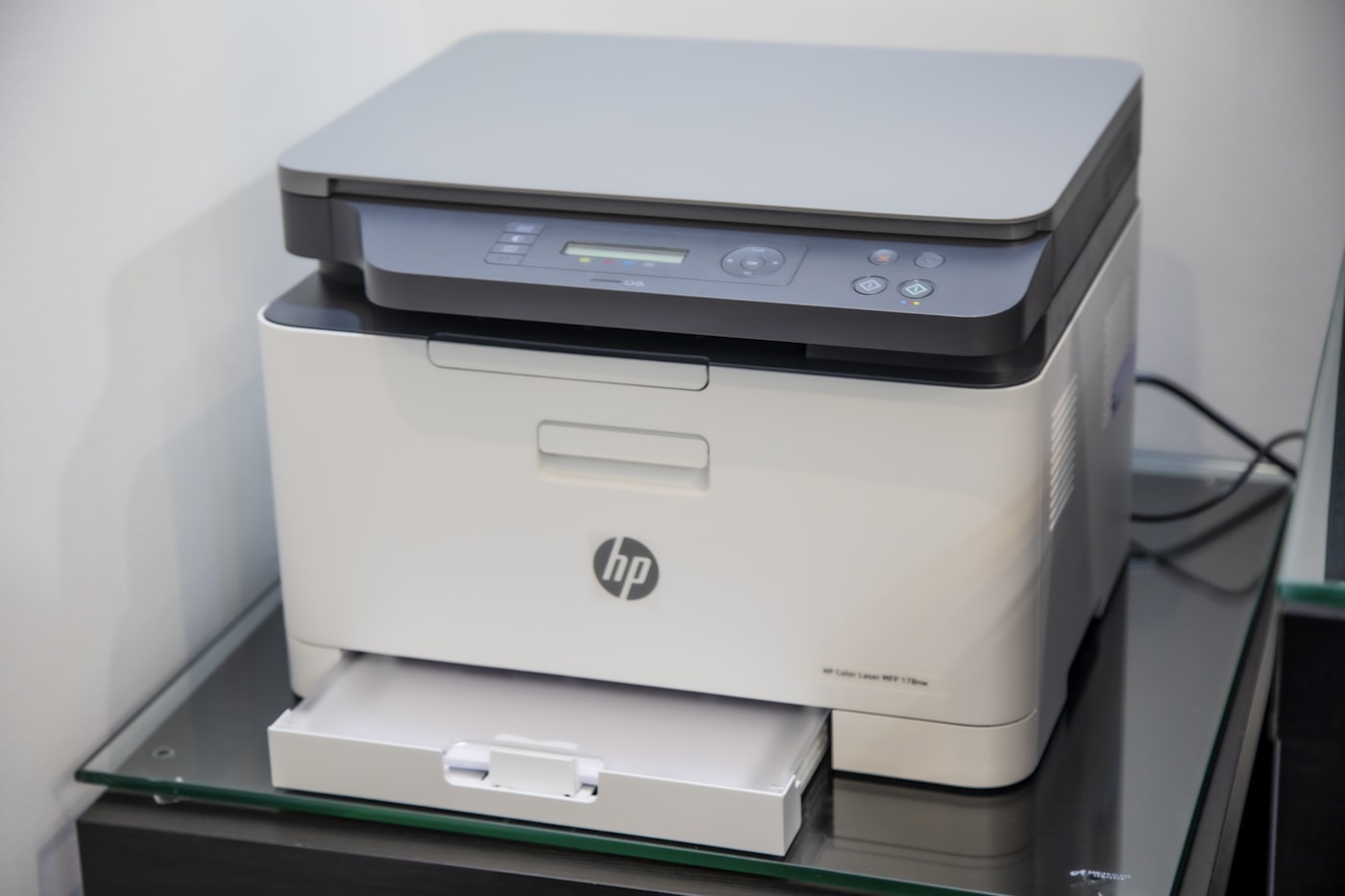
The chassis arrives on a pallet wrapped in protective material with the imaging components shipped separately for safety during transport. The delivery team unwraps the chassis at the installation location, removes shipping locks that the manufacturer installs to prevent component movement during transport, and removes the protective tapes from internal components. The unwrapping work takes 30 to 45 minutes and reveals any shipping damage that requires resolution before installation continues.
The component installation and consumable loading
The technician installs the imaging components after the chassis is positioned. The components include the drum unit, fuser unit, transfer belt, and developer that ship separately for safety. The installation follows the manufacturer's procedure with specific torque settings, alignment checks, and seating verification at each step. The work takes 45 to 90 minutes depending on the chassis bracket and the configuration depth.
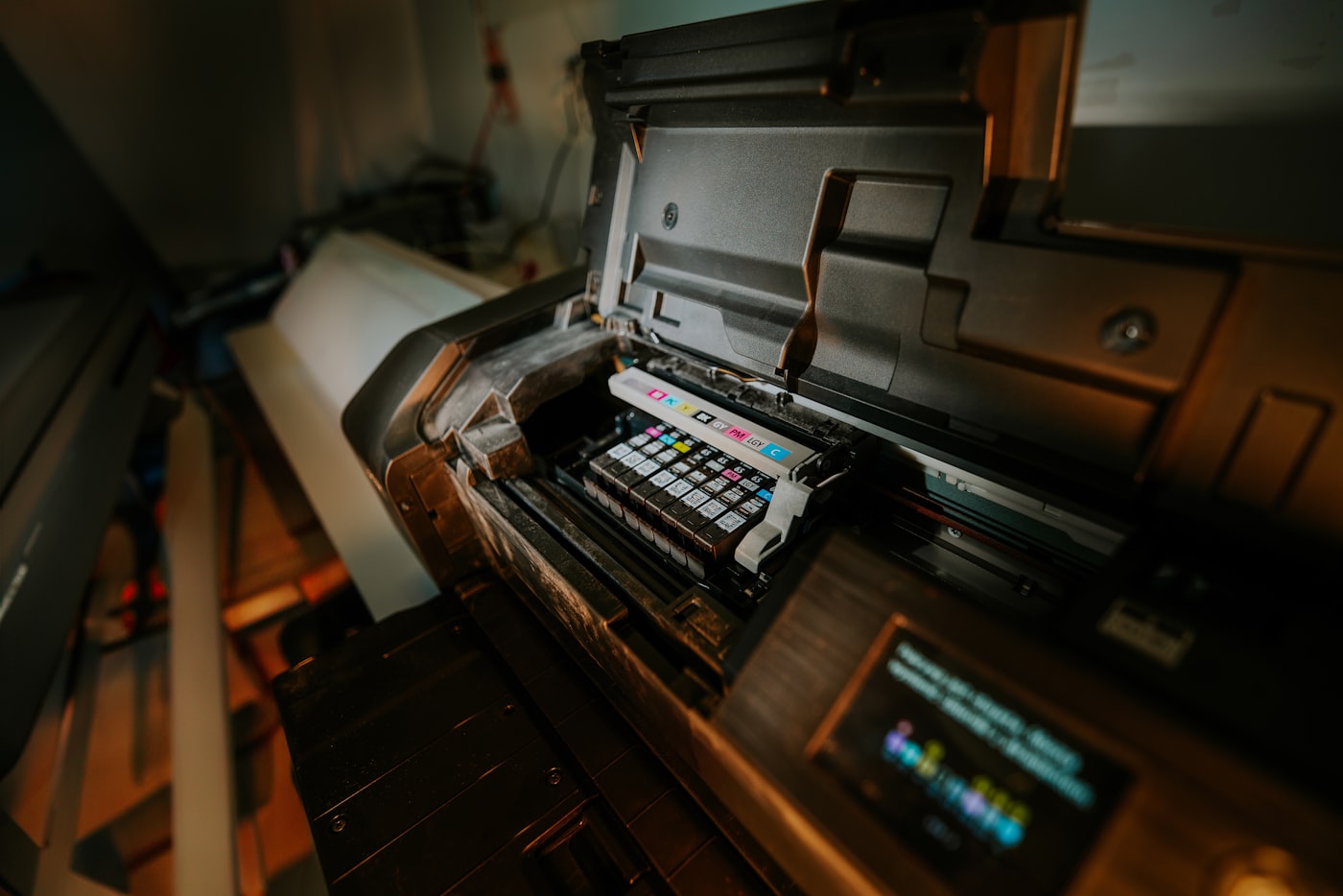
The technician loads the consumables once the components are installed. The starter consumables ship with the chassis at delivery and provide the initial toner supply for the first 1,500 to 3,000 pages. Some offices upgrade to full consumables at delivery for additional cost, which extends the initial supply period. The technician installs each toner cartridge, primes the development system, and runs the chassis through its initial calibration sequence.
The initial calibration includes color calibration on color chassis, density calibration for accurate output density, and registration calibration that aligns the four color planes for clean color reproduction. The calibration runs 20 to 60 minutes during which the chassis produces test pages that the technician uses to verify image quality. The test pages should be available for the office to review and confirm acceptable quality before installation continues.

The network configuration and security setup
The network configuration begins after the physical installation completes. The technician connects the chassis to the office network through the prepared Ethernet drop and configures the IP address, DNS settings, and other network parameters. The IT team should be available during this portion of the installation to answer questions about network configuration and to provide any credentials the chassis needs for network services.
The security setup follows the network configuration. The technician configures the chassis administrator password, the security policies, and any access control mechanisms the office requires. Compliance-conscious offices need specific security configurations including signed firmware verification, hard drive encryption activation, and audit logging configuration. The setup follows the office's specific security requirements rather than the dealer's standard configuration.
The platform integration covers the print management platform, document management system, directory service, and cloud storage integration. Each integration requires specific credentials and configuration that the IT team provides during the setup. The integration testing verifies that print jobs flow correctly from workstation to chassis, that scan operations reach the configured destinations, and that user authentication works at the chassis panel. The integration testing typically takes 60 to 90 minutes depending on the platform complexity.
The staff training and operational handoff
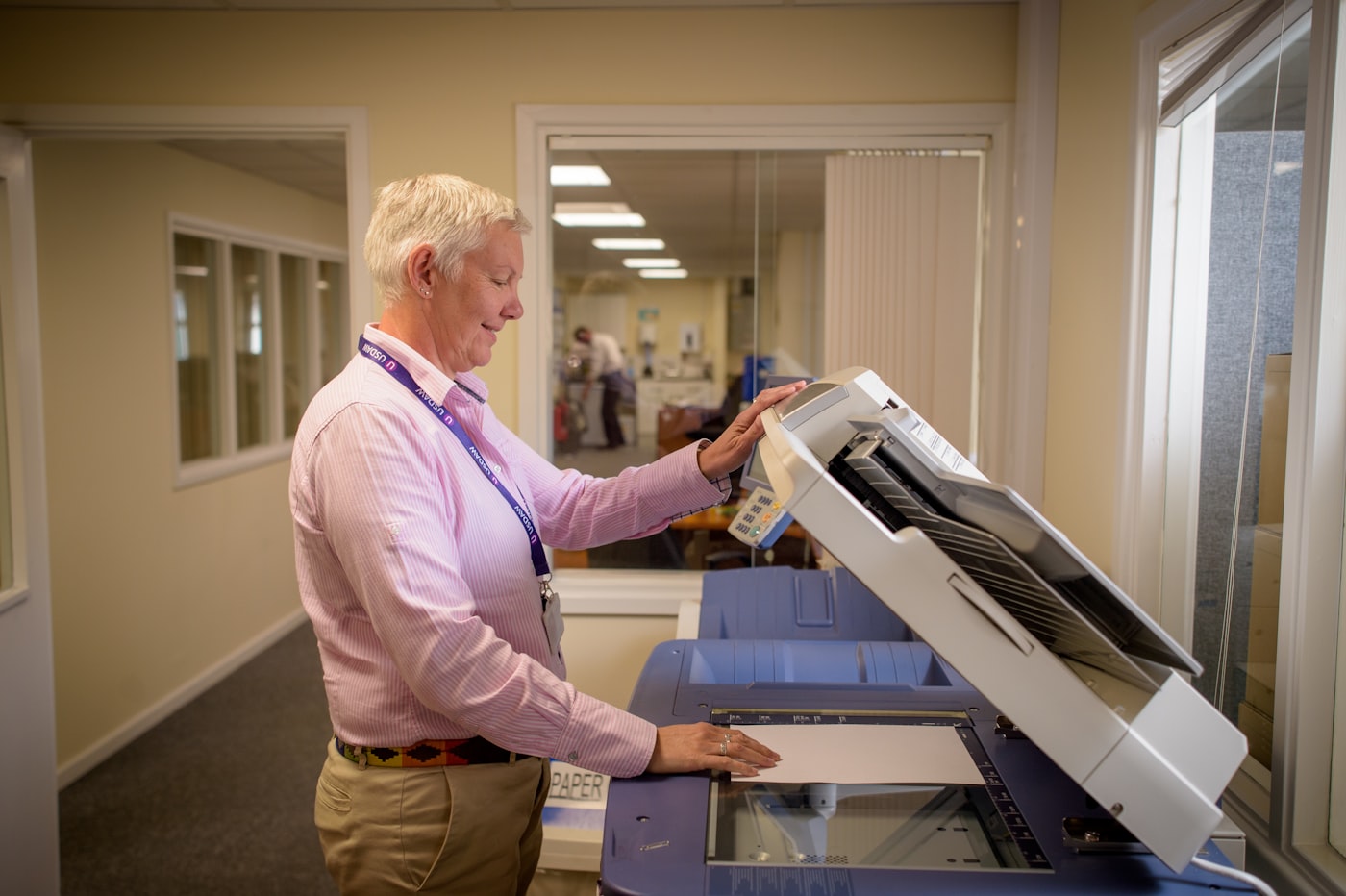

The staff training begins after the chassis reaches operational status with all integrations verified. The training covers the panel interface, paper loading procedures, basic troubleshooting, and the office-specific workflow including secure print release, scan-to-folder operations, and any custom workflows the office uses. The training typically runs 60 to 120 minutes for a small staff group.
The training should include hands-on practice rather than only verbal explanation. Each staff member should personally release a print job, scan a document to the configured destination, and execute any custom workflow buttons that the office uses regularly. The hands-on experience produces better operational understanding than passive observation, and the training is the only opportunity for staff to learn with the dealer's expert available for questions.
The training should also cover what staff should do when issues arise. The basic troubleshooting includes paper jam clearance, low toner identification, and how to submit service requests through the dealer's portal. The training documents what counts as a service issue versus what counts as normal operation, which prevents staff from submitting unnecessary service tickets while ensuring real issues reach the dealer promptly.
The acceptance testing and documentation handoff
The acceptance testing concludes installation day with formal verification that the chassis meets the specifications in the purchase contract. The testing includes producing sample output across the chassis capabilities, verifying the configured features work as expected, and confirming that all accessories ordered with the chassis are present and functional. The acceptance testing typically takes 30 to 60 minutes with the dealer's installation lead and the office's designated representative.
The documentation handoff transfers all chassis documentation to the office. The documentation includes the chassis serial number, the installed firmware version, the configuration details, the warranty terms with effective date, and the contact information for service requests. The office should retain the documentation in a known location because it becomes necessary for warranty claims, configuration questions, and future service interactions across the chassis service life.
The acceptance signature confirms the office's acknowledgment that the chassis is in operational condition and meets the contract specifications. The signature triggers the start of the warranty period, the start of any contracted service period, and the dealer's billing cycle for ongoing services. The office should withhold the acceptance signature if any contract specifications are not met until the issues are resolved, because subsequent disputes about pre-existing issues are harder to resolve after acceptance.
The common surprises that derail installation day
The most common surprise is electrical capacity discovered during initial chassis power-up. The chassis pulls peak current during fuser warm-up that exceeds available circuit capacity, which produces breaker trips and prevents the chassis from completing its initial sequence. The resolution requires electrical work that produces a 1 to 3-day delay while the office arranges a qualified electrician. The surprise is preventable through pre-delivery electrical verification.
The second common surprise is network configuration mismatches between the chassis requirements and the office network capability. The chassis may need specific firewall rules, DHCP reservations, or network segmentation configurations that the office network does not support without modification. The resolution requires IT team work that may take hours to days depending on the complexity. The surprise is preventable through pre-delivery configuration documentation.
The third common surprise is space limitations discovered when the chassis arrives. The footprint marked on the floor during planning sometimes does not account for clearance requirements or for adjacent furniture that has shifted between planning and delivery. The resolution requires office layout changes that consume staff time and may not produce ideal results. The surprise is preventable through floor marking verification immediately before delivery.
The installation day timeline at a glance
| Phase | Activity | Typical duration |
|---|---|---|
| 9:00-10:00 | Truck arrival and chassis positioning | 60 min |
| 10:00-10:45 | Chassis unwrapping and shipping lock removal | 45 min |
| 10:45-12:00 | Component installation and consumable loading | 75 min |
| 12:00-13:00 | Initial calibration and image quality verification | 60 min |
| 13:00-14:00 | Lunch break for staff | 60 min |
| 14:00-15:30 | Network configuration and security setup | 90 min |
| 15:30-16:30 | Platform integration and testing | 60 min |
| 16:30-17:30 | Staff training and operational handoff | 60 min |
| 17:30-18:00 | Acceptance testing and documentation | 30 min |
The timeline runs across roughly nine hours with breaks. Larger chassis or complex integrations extend the timeline into a second day, which the dealer should communicate during scheduling. Smaller chassis or simpler integrations may complete within five to six hours of focused work. The office should plan staff availability across the full timeline rather than expecting installation to complete more quickly than it actually does. A note on how to prepare staff for installation day covers the specific scheduling considerations.